

Community post
[ Digital art ] How to Create a Double Exposure Effect

hello all friends.....
back again in my digital post today, I hope you are always healthy wherever you are.
today I will share my experience and knowledge of digital design using Photoshop, you can take the materials from the source I have attached below the image.
if you want to use your own photos, you can also because how to make digital art this time is very easy, with just a few steps you can produce beautiful and interesting digital art.
You all can see some of the steps I have outlined below, good luck.

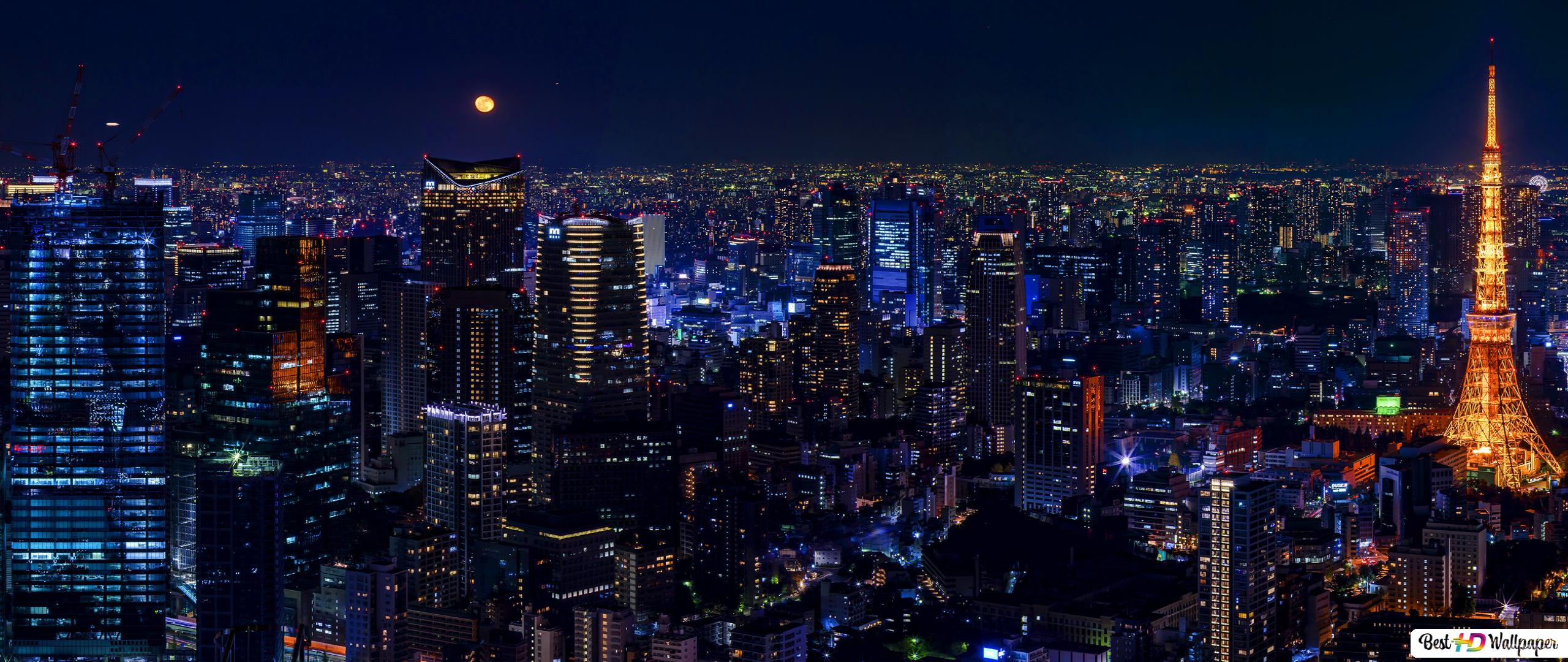


| Design theme | Double Exposure Effect |
|---|---|
| Designer | @ararya |
| Software | Photoshop |
Replies (5)
nice one
thanks very much. @raytonix 😊
you are welcome
Congratulations @ararya! You have completed the following achievement on the Hive blockchain and have been rewarded with new badge(s):
Your next target is to reach 100 upvotes.
You can view your badges on your board and compare yourself to others in the Ranking
If you no longer want to receive notifications, reply to this comment with the word
STOPCheck out the last post from @hivebuzz:
Support the HiveBuzz project. Vote for our proposal!
Congratulations, your post has been upvoted by @dsc-r2cornell, which is the curating account for @R2cornell's Discord Community.