

Community post
Skytech Short Documentary Shoot
I need to get better at staying up to date with my posts but I've been busy cooking up some projects and hopefully I can share them in the upcoming months. A lot of shows/projects that I'm working on currently have NDAs so I can't share them so there's a lack of content but I'll try to keep up with posts on anything else I do.
We also picked up a nifty new device in the form of a Deity DPS-1 which is a power distribution box. This would allow me to power our SoundDevices and MCR 54s from a singular power source. While being able to monitor battery levels and voltage output.
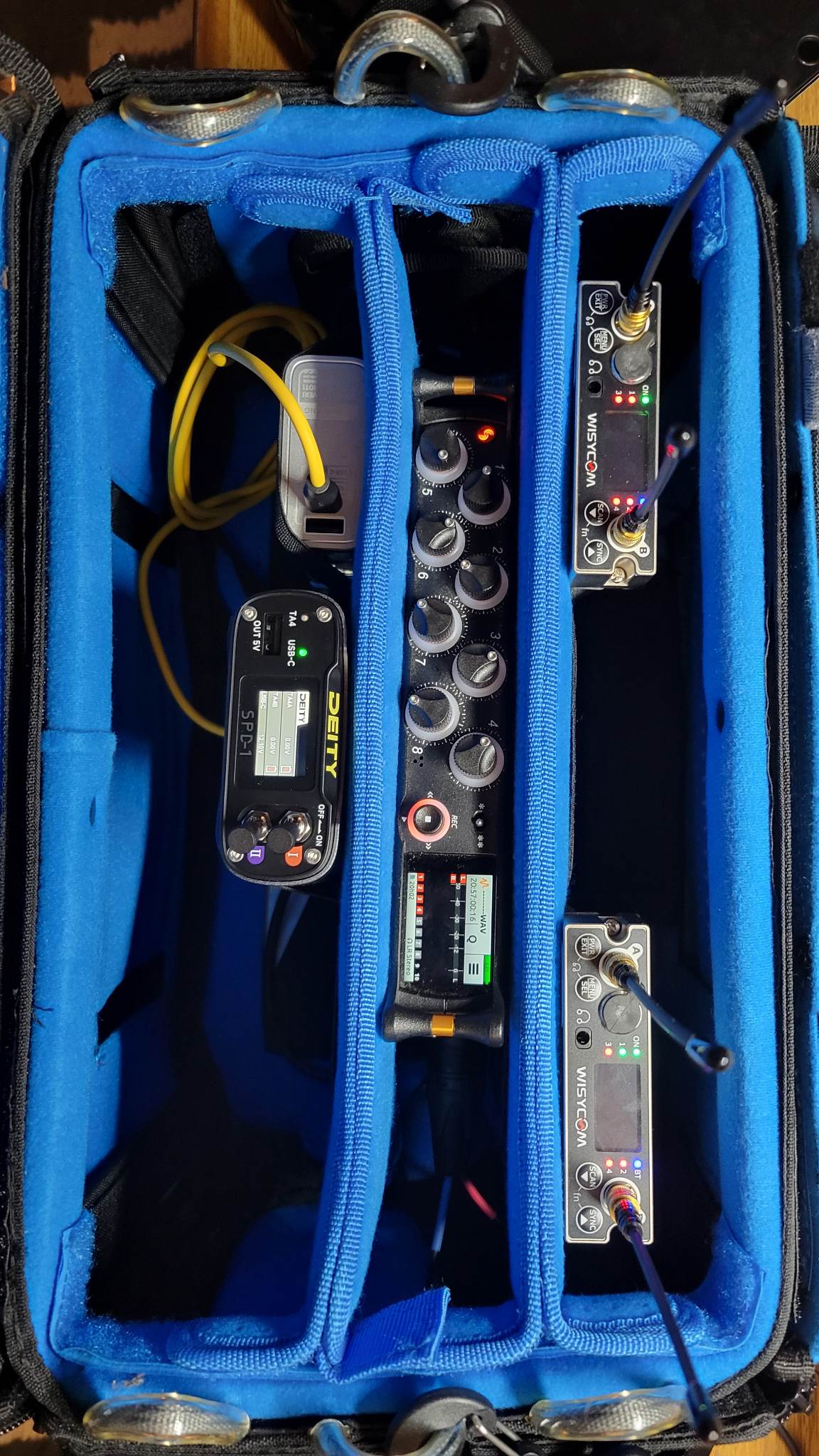
My pack with all the devices plugged in and powered. I am using a Shargeek power bank to power everything.
This was also the first shoot where we got to try out the phantom power on the Wisycom bodypack. Using it to power the CMIT-5 on the boom.
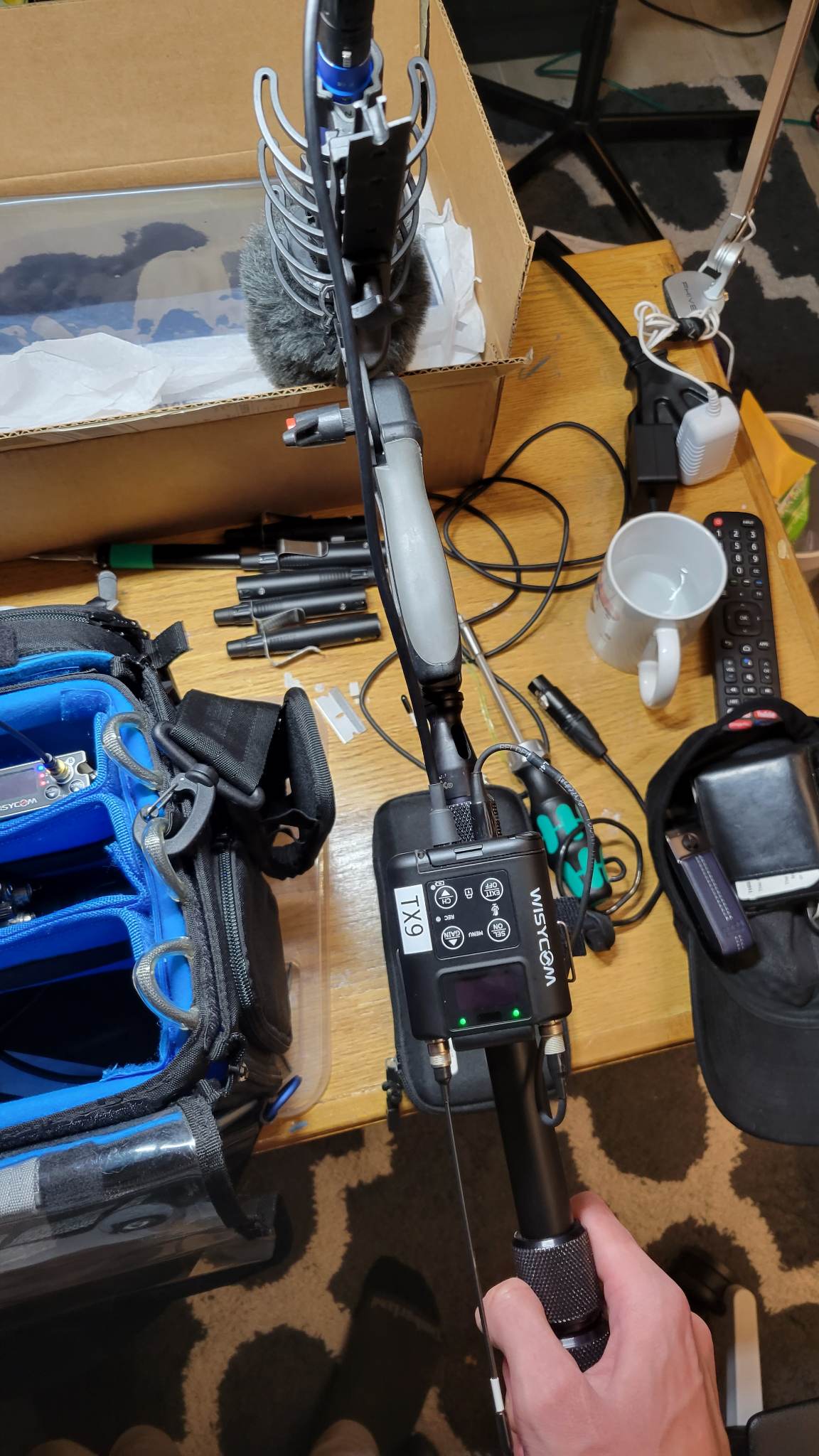
This worked very well, there was some issues with the MTP60 but as long as the batteries are fresh, it works like a charm.
With everything stress tested, I went into the shoot feeling pretty good about the whole setup. It was a fairly easy shoot, just some walking around and interviews with a full PC build on the 2nd day of the shoot.
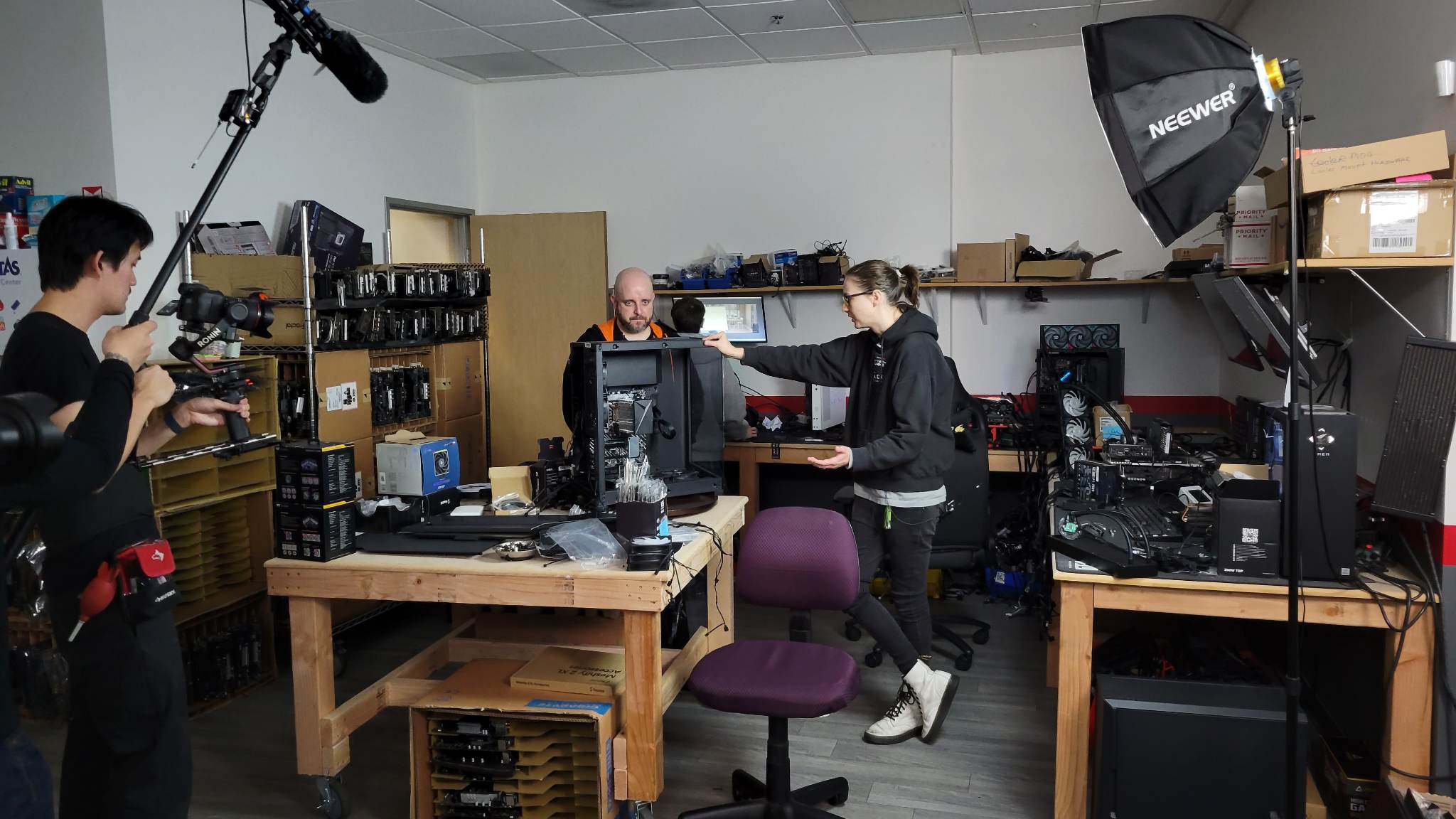
Day 1 of the shoot, going around Skytech's studio and seeing everything
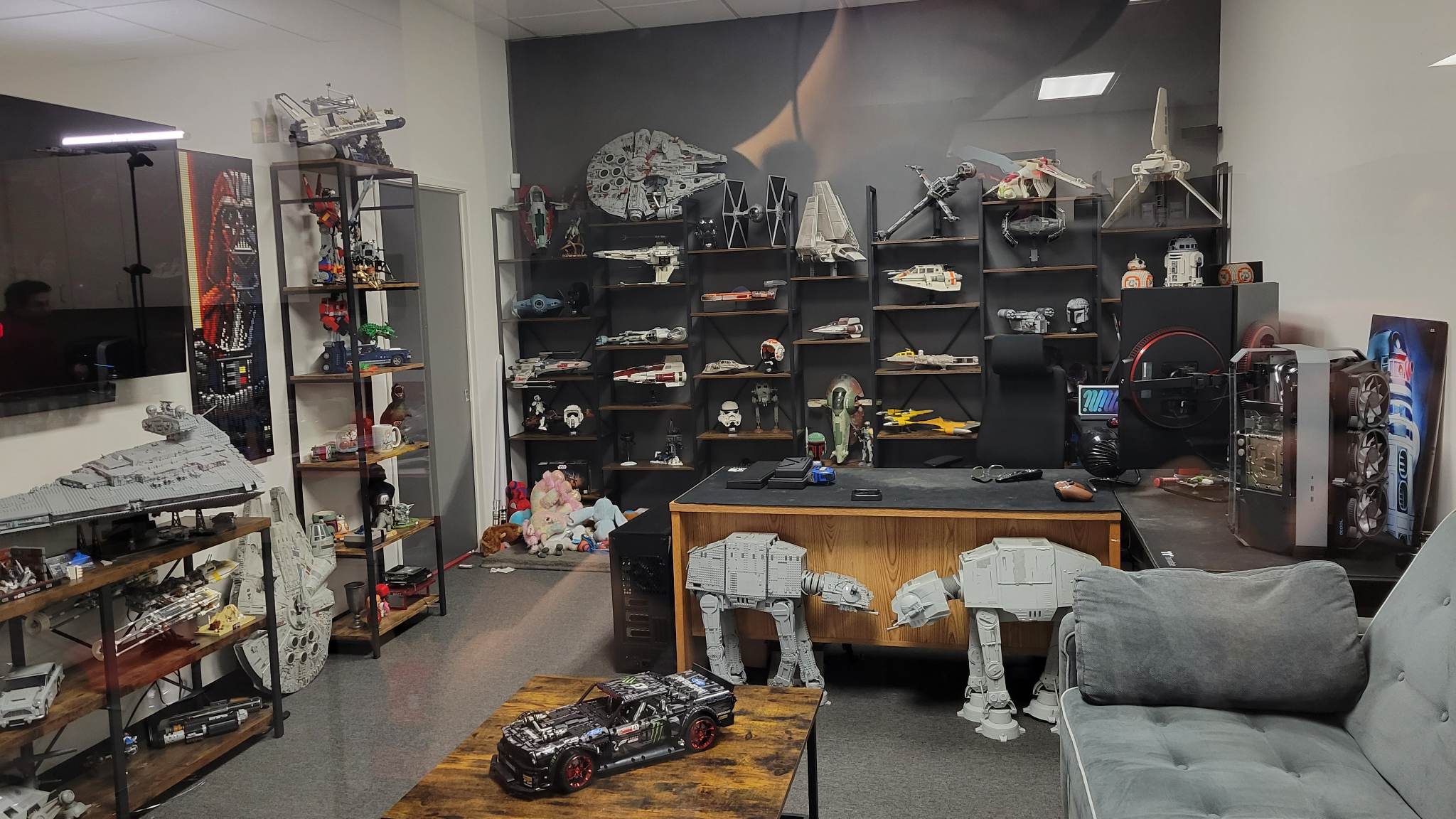
One of the offices in the studio, this guy was a huge Starwars fan and he had almost all of the major Starwars lego sets. Very pog
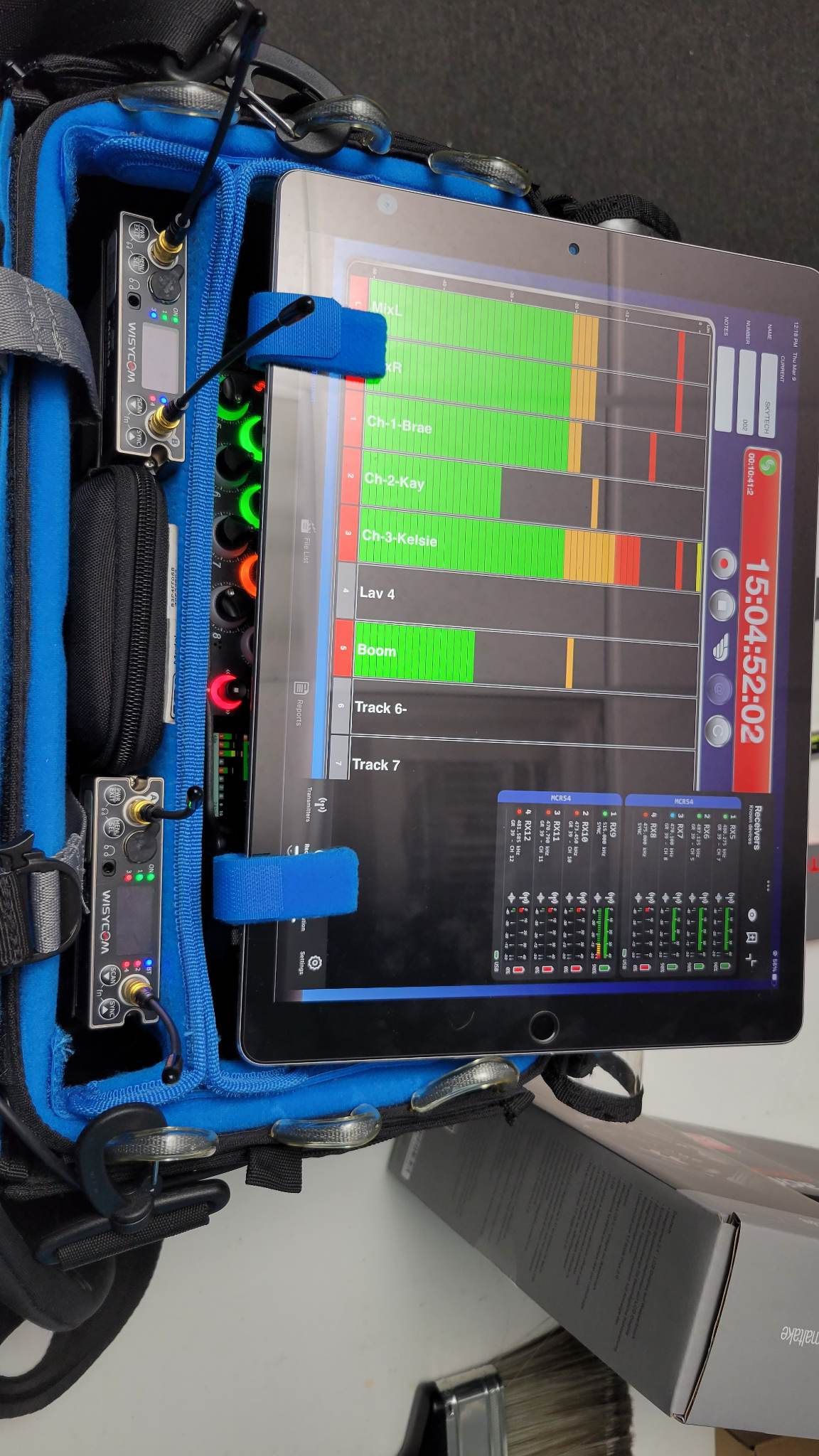
Full setup on site, I had my iPad monitoring and controlling both the MixPre-10 and the MCR54s.
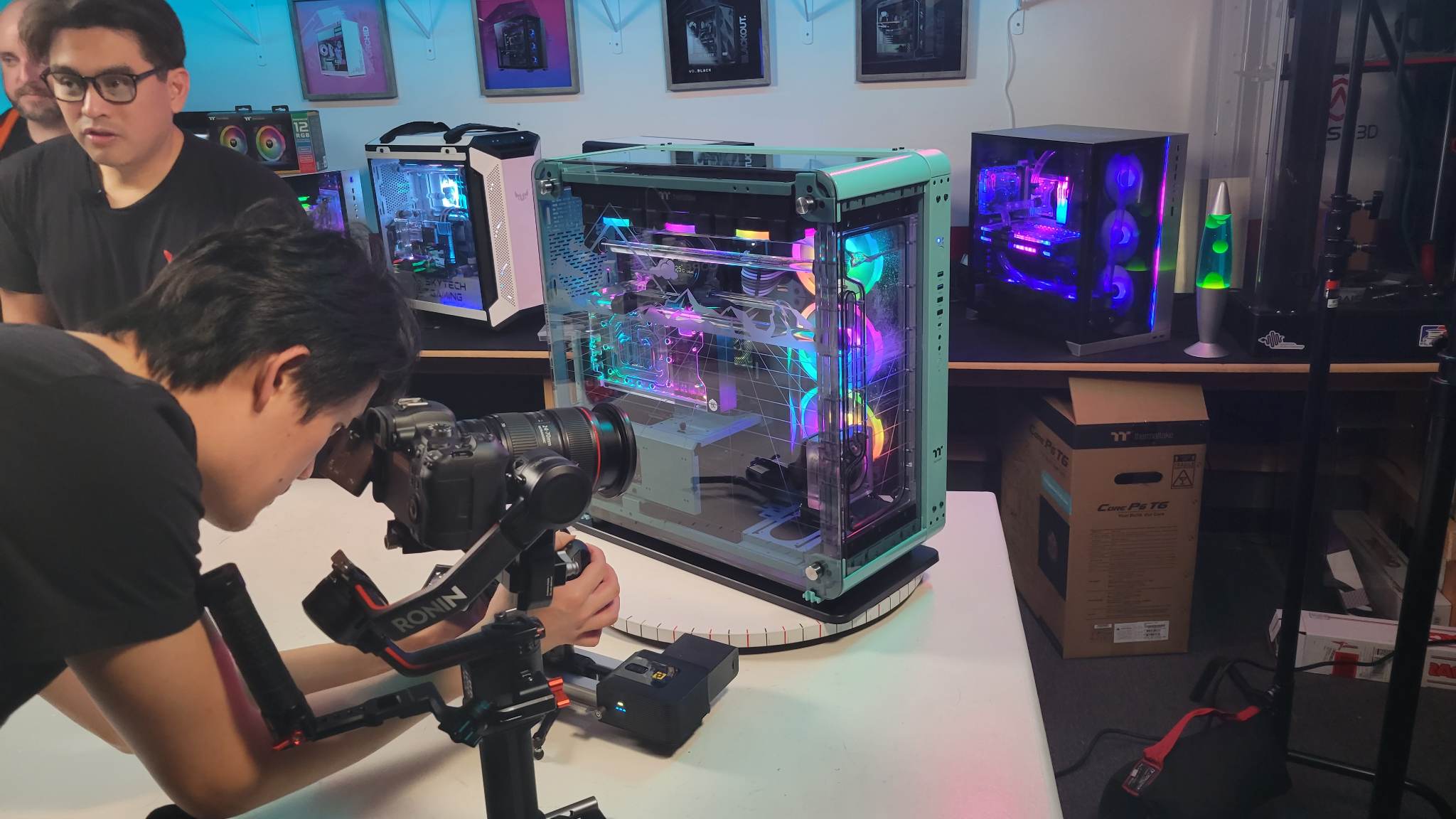
Shot of the build, this took like 6 hours to build even with most of the components already premade. An absolute beast of a computer.
This was a light shoot and I barely had to sweat since all of the talents were mic'd up with LAVs. I just had to boom op for a couple shots and it was stationary for the rest of the shoot. I'm really happy with my current setup and I'm looking forward to doing more onsite shoots.
Replies (0)
Conversation
No replies yet
Replies will appear here as people join the conversation.