

Community post
Telstra Netgear C6300BD (NBN) Internet Fix

Follow the instructions below to get your Internet working with Telstra Netgear C6300BD modem. The modem initially has WAN mode setting disabled. Here's how to get it enabled and get it working. This modem is compatible with NBN but with no phone line.
NOTE This modem does not have a phone line port, if you need to use the phone, best to consult with your service provider.
Step 1: First, connect the ethernet cable from Telstra Netgear C6300BD WAN port to the NBN device.
Step 2: Go to your router settings in the browser: 192.168.0.1
Type the admin/password
Step 3: You will see the basic modem page. Click Advanced view from the top right.
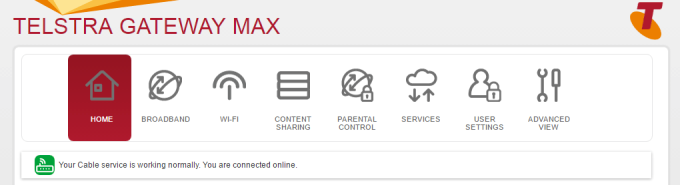
Step 4: Under WAN Setup, Click WAN Backup and you will see it ticked Disable
Tick Enable - WAN mode and hit apply.

Step 5: Reboot modem (and Wait for a minute or so)
Step 6: The Internet should be working!
UPDATE: Got Telstra Gateway Max, needed the port for phone.
Have fun! Hope this helps you.
Replies (0)
Conversation
No replies yet
Replies will appear here as people join the conversation.