

Community post
Make your window be always visible
Let's suppose that you are browsing web, prescribing a document into an email and at the same time watching a video in second tab on a small monitor. But when you switch to the source document, the video window moves to the background. The problem is that you cannot simply divide your screen, because it is too small.

If you would like to prevent constantly switching tabs and windows and loosing your mind on that, you may want to download WindowTop. With that program you can pin any window on top of other windows, enable it's transparency and even click through transparent window. WindowTop also come with exclusive features such as minimize windows and the dark/read mode.
Set Window On Top
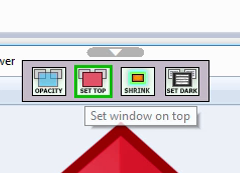
Easly set any window on top from the toolbar menu
Set Transparency
Easly set window transparency from the slider in the toolbar menu and see instantly the result
Click Through
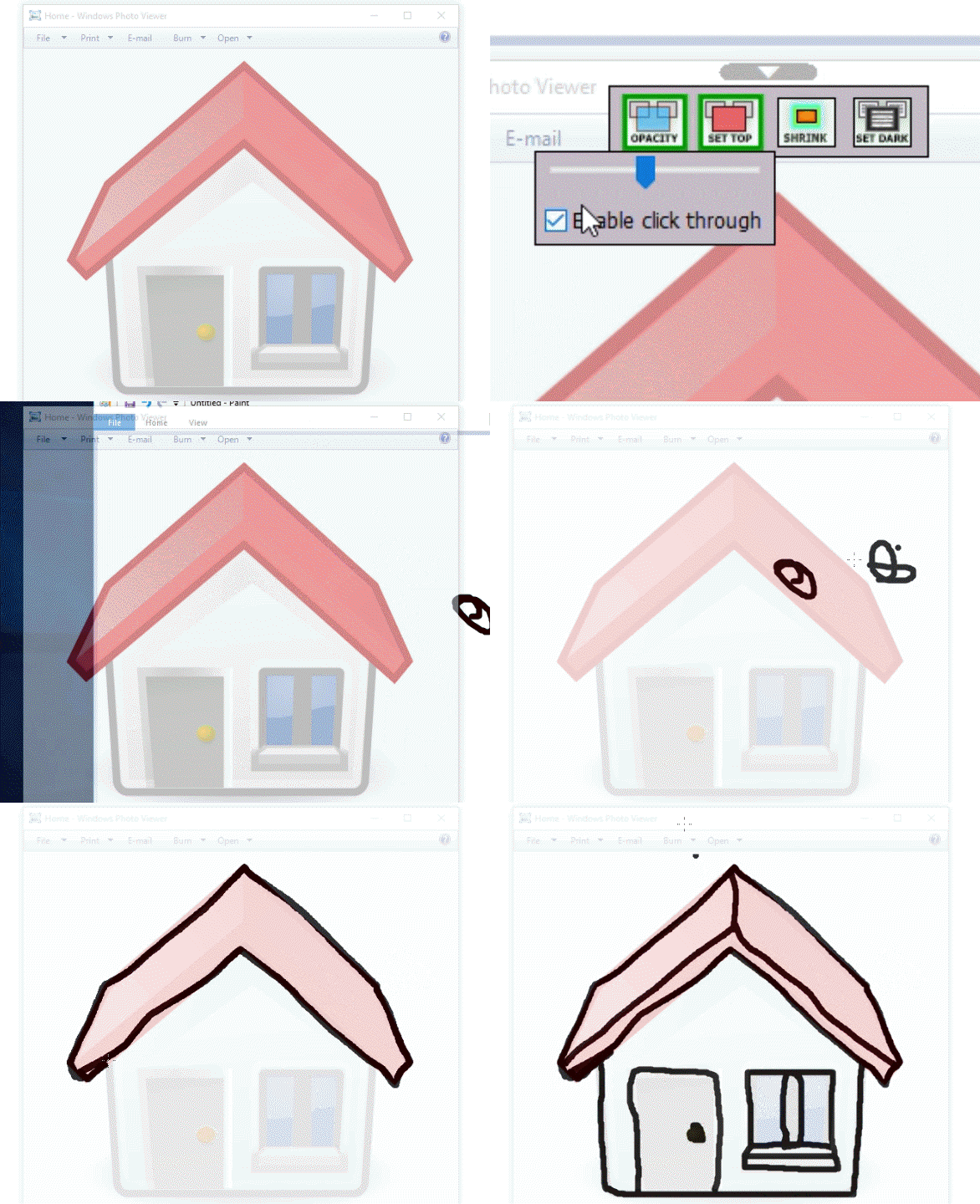
Only see the window without interact with it
Shrink Windows
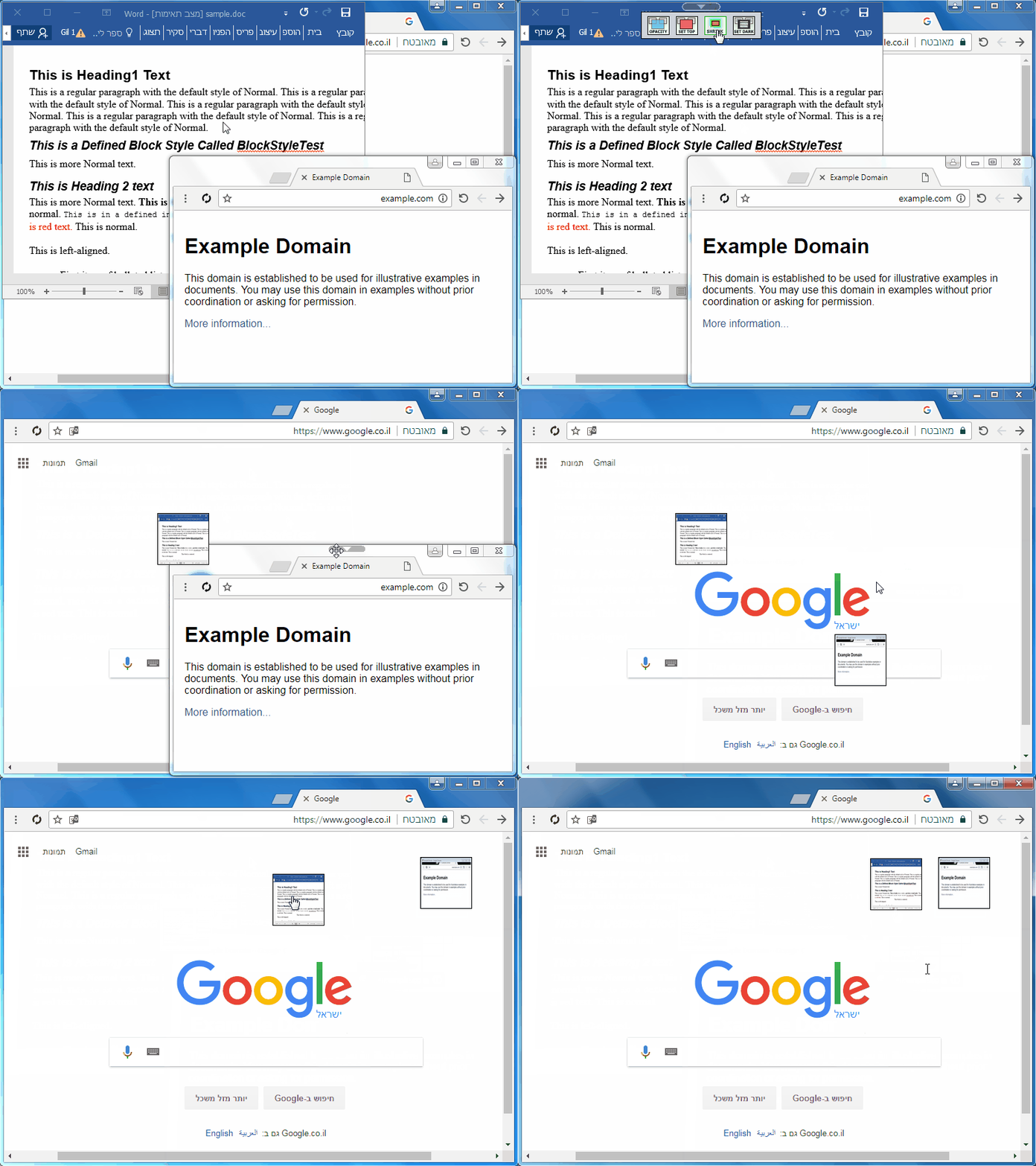
Innovative way to minimize windows - it will not minimize to the taskbar to keep your taskbar clean as you like. it will make the window smaller so you have the space you need.
Dark/Read Mode
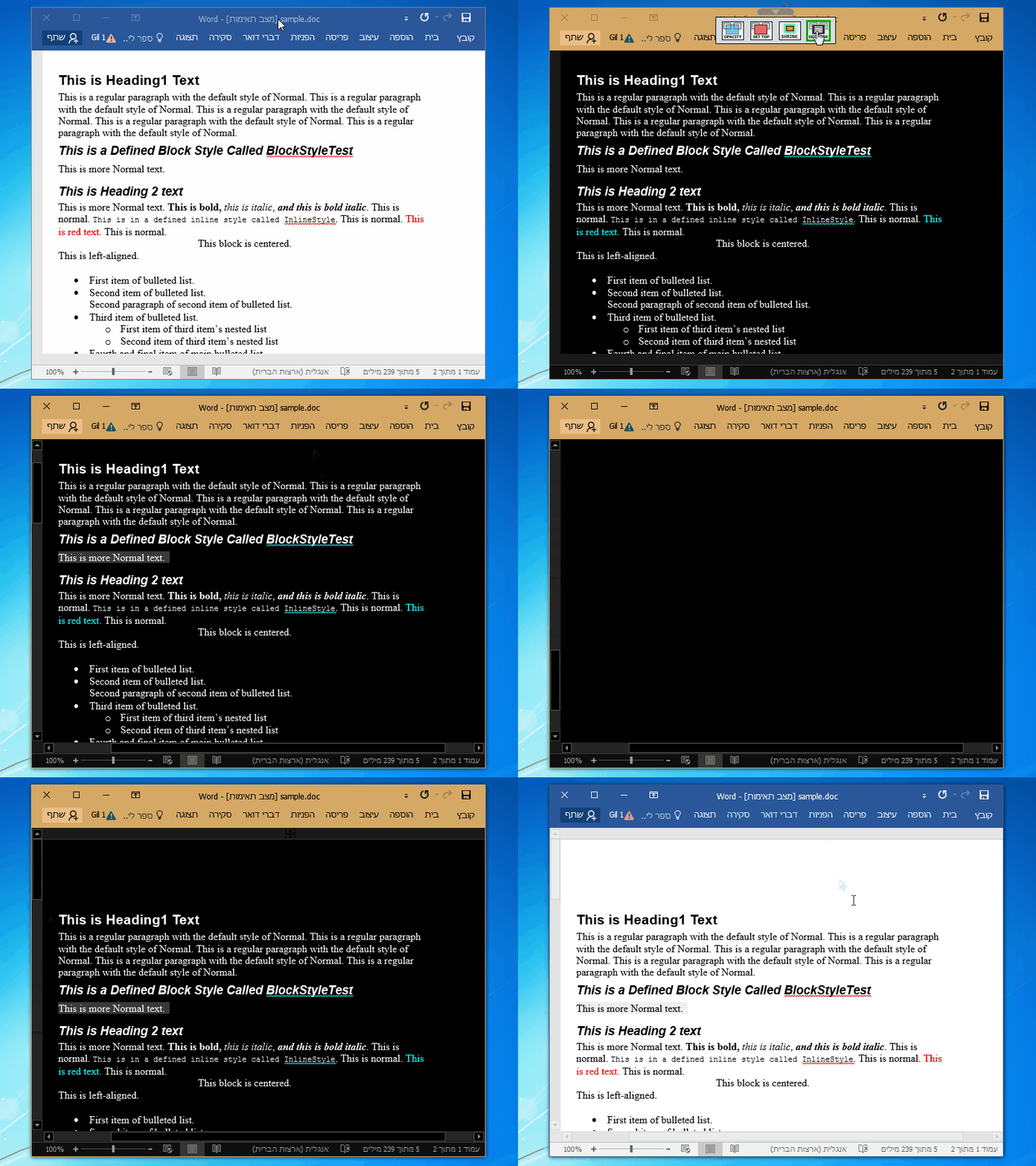
Easly set the window to be dark. very useful for reading at the night (when you can't suffer the white light) and for coding.
Replies (2)
wow really cool tool.
Nice tool