

Community post
[TUTORIAL] Pixelart - Harmonized Color Palette
Hey guys,
today I decided to show you some of my knowledge about Pixelart, more specifically, how to make your art a little more attractive and flashy.
This technique has a scientific basis, and more specifically psychological.
In short, you group colors that match, and psychologically your brain interprets this palette in a pleasant way, making you understand it as something beautiful.
So let's start:
(First of all, if you are novice in pixel art, try use less colors and pixels, a little bit of pratice and you be turned in a master. If you are without ideas of what draw, try search for inspirations in everything you see, be like characters, locations, cartoons, etc.)
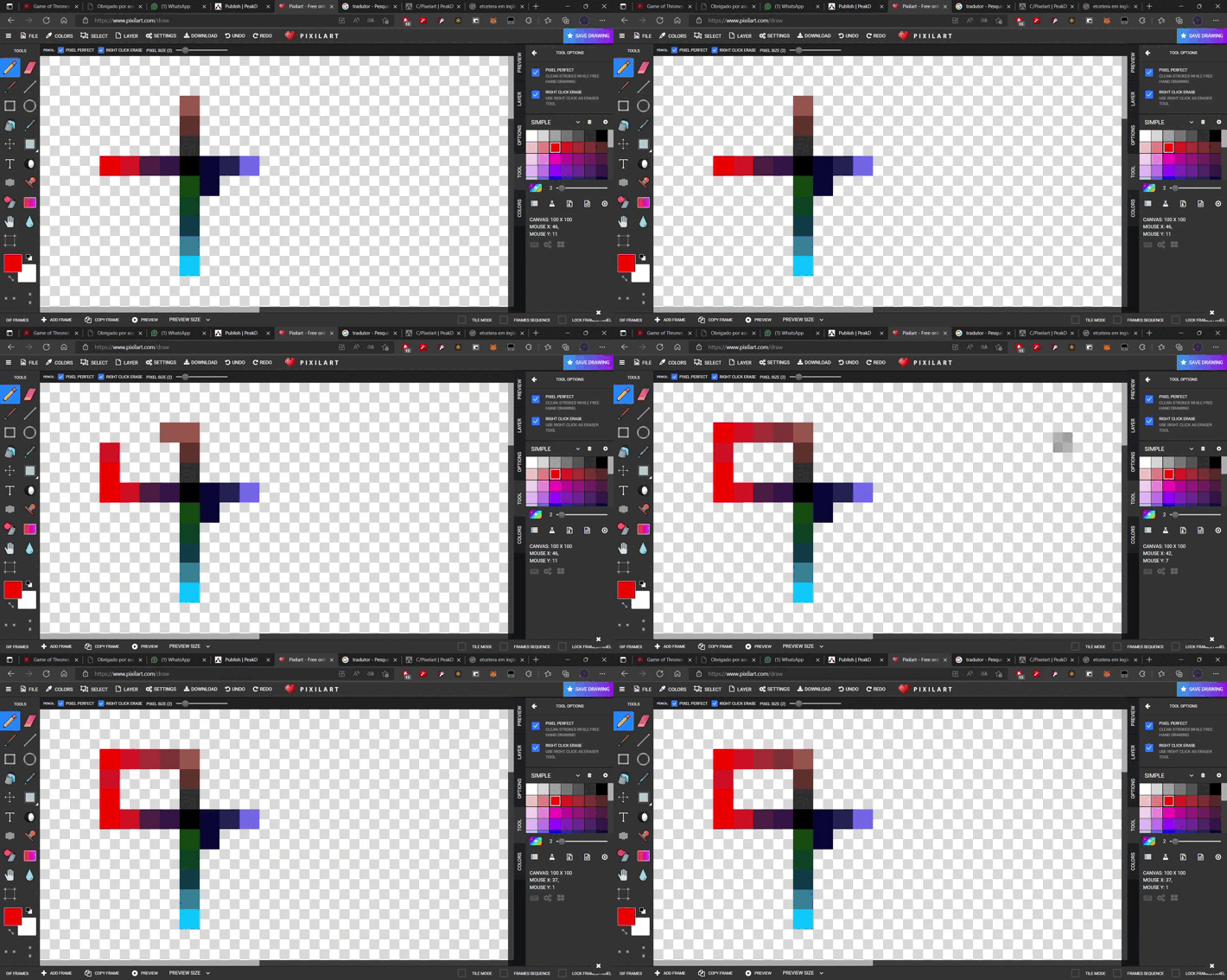
1. Create your palette using a color transition(notice then i smooth change from red to black passing by a wine purple color):
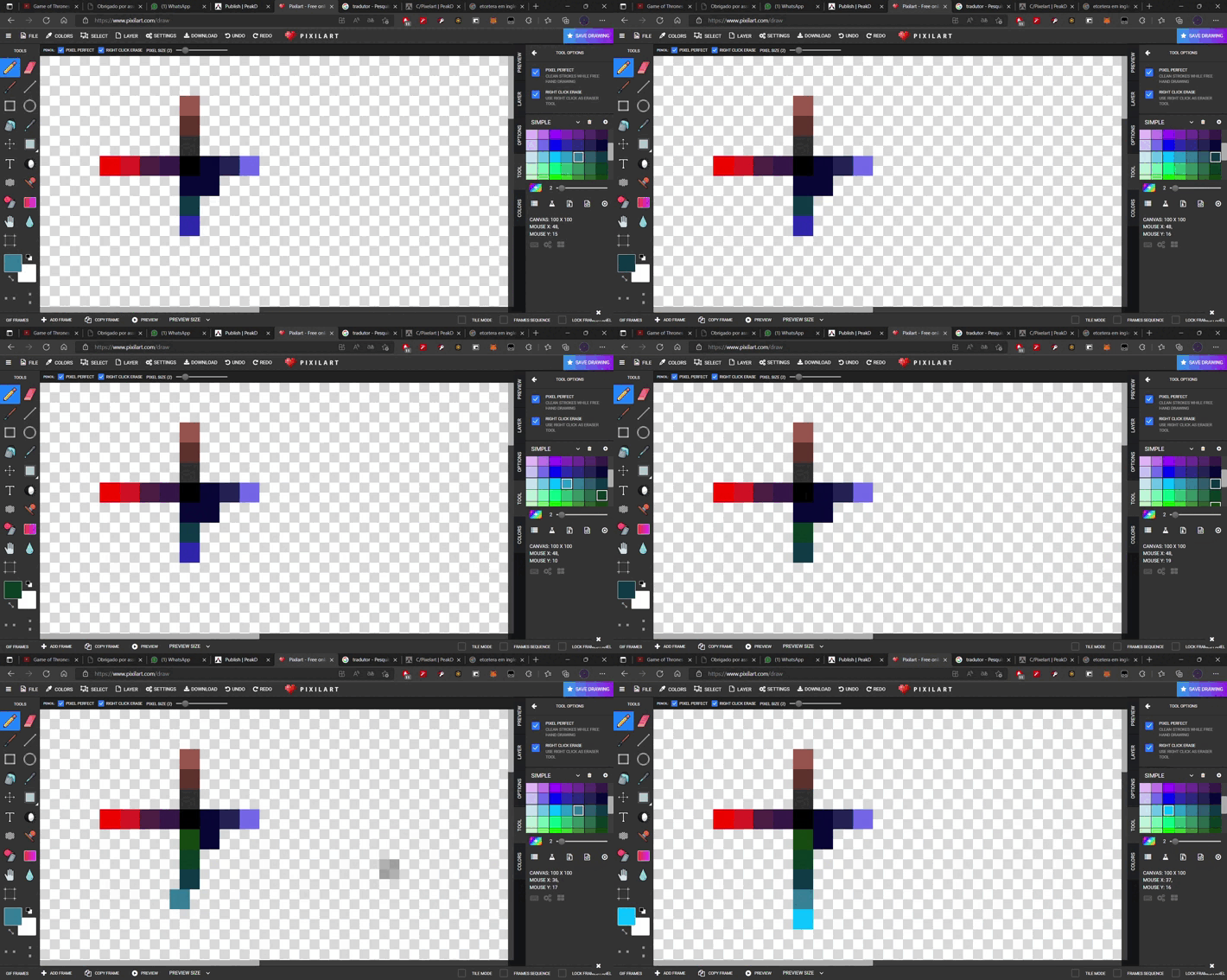
mix different tones tending to make bridges:
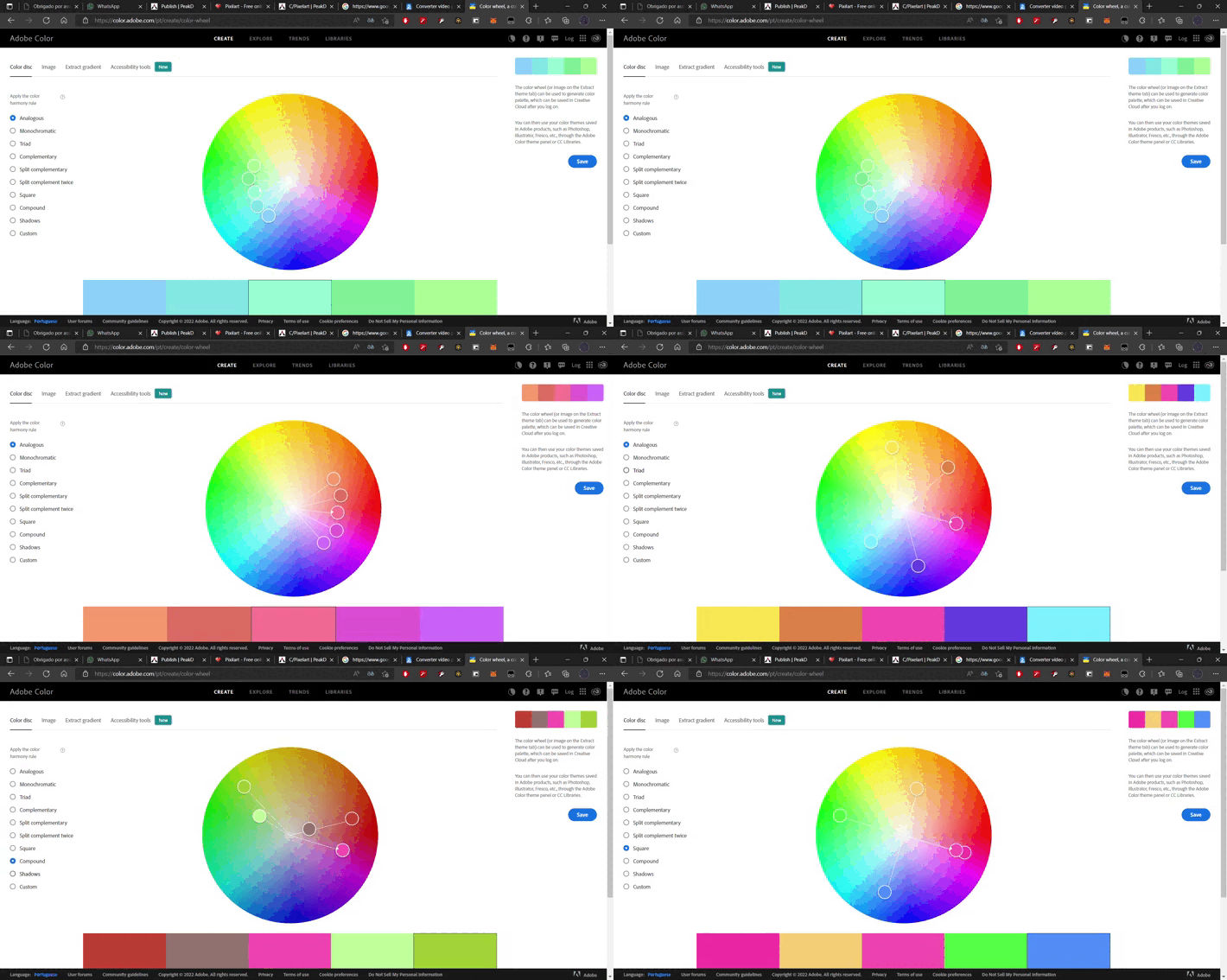
if this step seems difficult, try using Adobe Color, it will automatically make a palette for you:
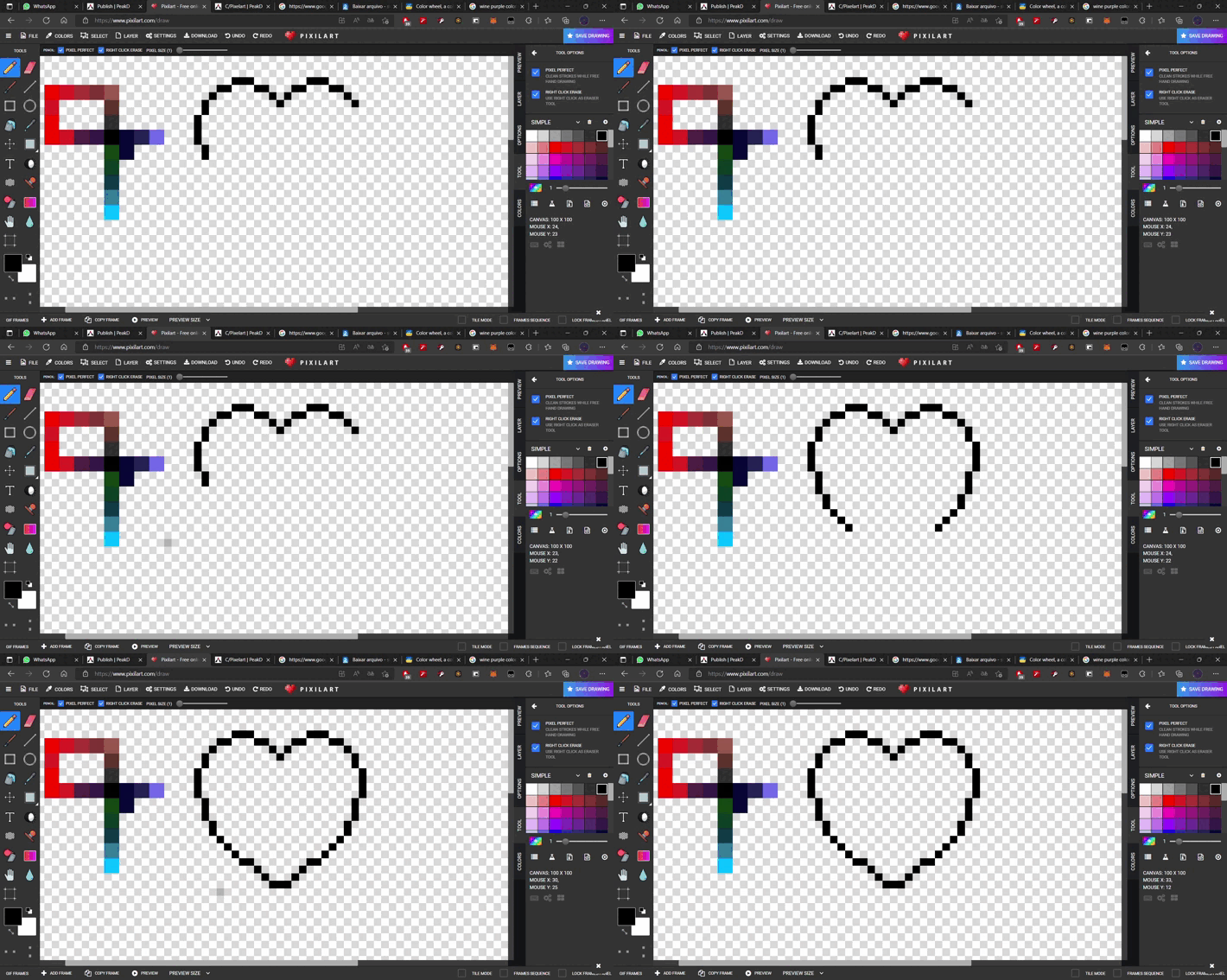
2. Draw something cool:
3. Paint using the palette:
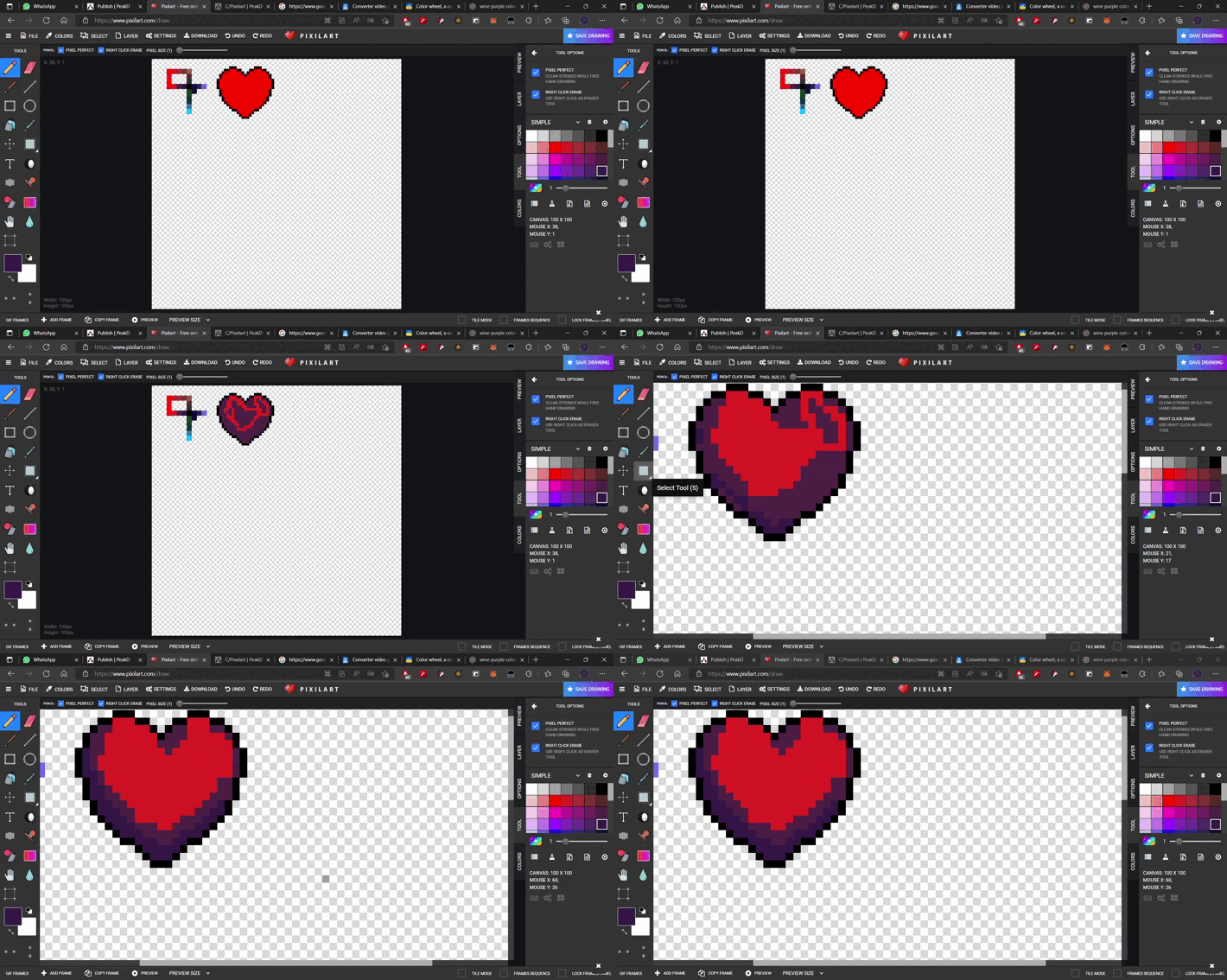
4. Finish it:
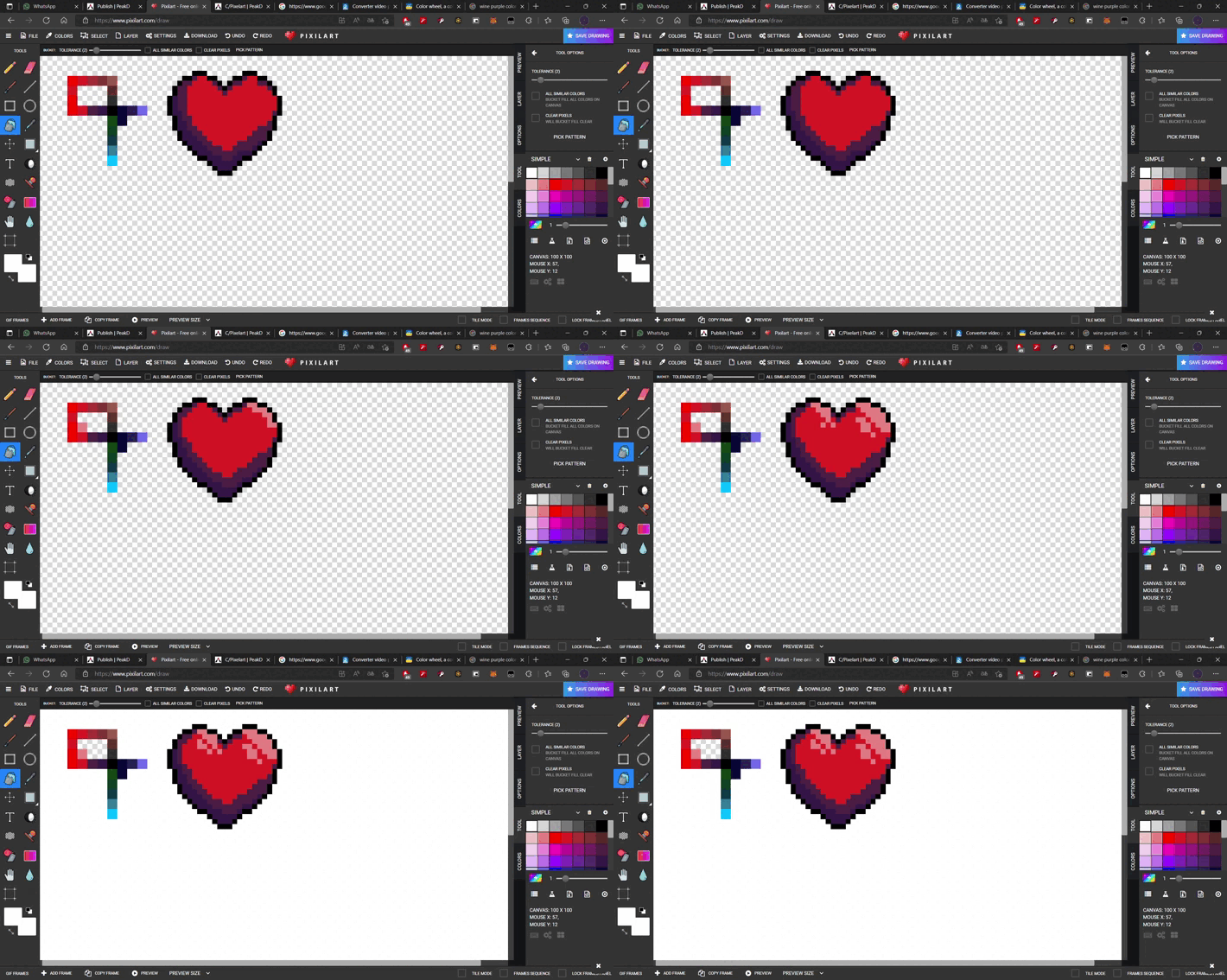
comparation Harmonization
With // Without

Thanks for your attention, and please, if you liked it, consider sharing this post, I'd love to create more content like this.
Replies (1)
Congratulations @fuffluu! You have completed the following achievement on the Hive blockchain and have been rewarded with new badge(s):
Your next target is to reach 600 upvotes.
You can view your badges on your board and compare yourself to others in the Ranking
If you no longer want to receive notifications, reply to this comment with the word
STOPCheck out the last post from @hivebuzz:
Support the HiveBuzz project. Vote for our proposal!