

Community post
Guide: Install EOS on an Ubuntu 16.04. Virtual Machine (2/3)
Guide: Install EOS on an Ubuntu 16.04. Virtual Machine (2/3)
Please make sure you have an Ubuntu 16.04 system running. If not follow the first guide: https://steemit.com/eos/@guccip/guide-install-eos-on-an-ubuntu-16-04-virtual-machine-beginners
3 Install EOS.IO from GitHub
In your terminal, run the following command to install git:
sudo apt-get install gitOnce finished, you can clone/download the EOS.IO repository with the following command:
git clone https://github.com/eosio/eos --recursive
https://steemitimages.com/DQmXmZgMyvufkMRgpvMHtpeso4zXSRuGXg9xThV976VH378/image.png
Open the newly downloaded data by changing the directory to “eos”:
cd eosThe command “dir” will show you all the files downloaded from the GitHub repository. One issue with the current GitHub branch is that it’s broken and not working for new users. We’ll have to checkout an earlier build to make it run:
git checkout DAWN-2018-01-25
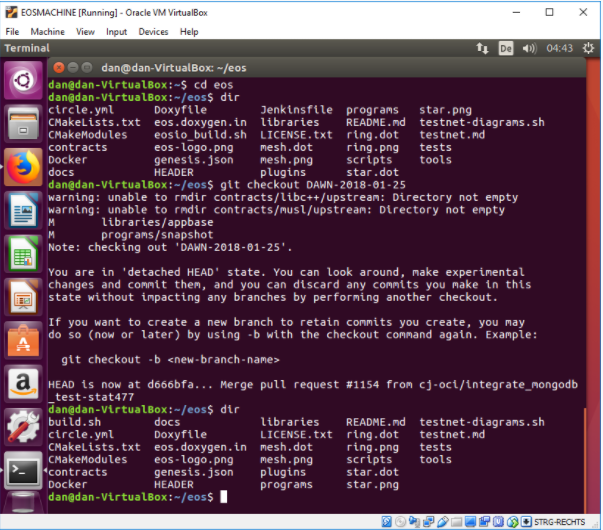
Once checked out, run “dir” again and the files should be somewhat different now. Notice that the earlier build is not fully rebranded to “eosio”. The official documentation will tell you to run ./eosio_build.sh, which is not present here. Instead, run the automated build script like this (should take ~30 minutes or more if running on a virtual machine):
./build.sh ubuntu
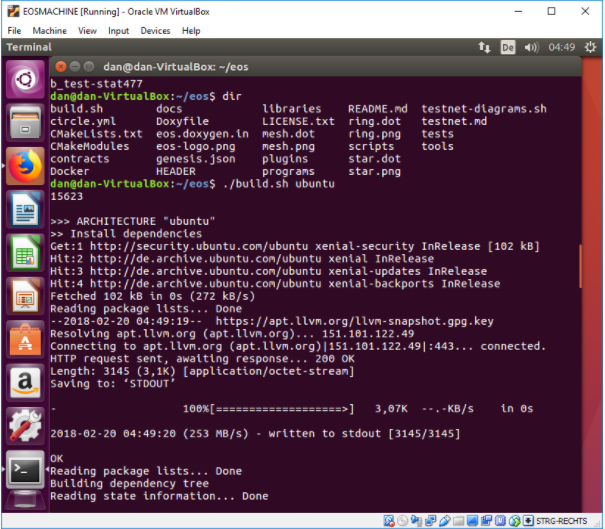
When the build-step is finished you can see your newly generated EOS files in the build folder. The next step is to make binaries.
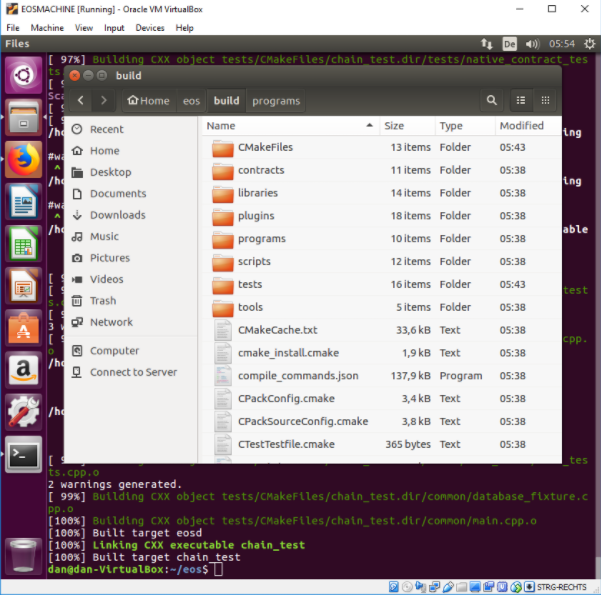
cd build

sudo make install
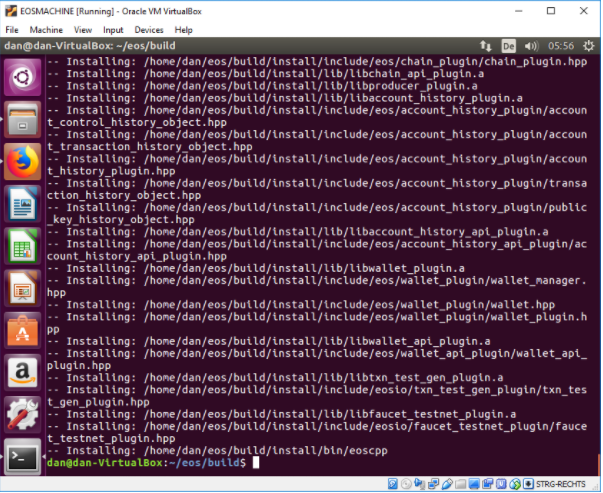
Next step is to try to run EOS.IO for the first time. Switch into the eosd folder and run ./eosd:
cd eosd

./eosd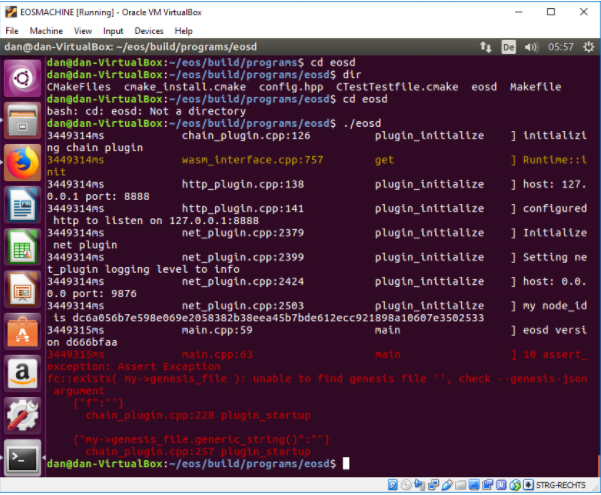
You will get an error message that the genesis block is missing. This is expected.
Replies (2)
after running
sudo make installi get this error:
make: *** No rule to make targetinstall'. Stop.`Hey, I just uploaded part 3 of the guide. If you follow it 1:1 it should work.
https://steemit.com/eos/@guccip/guide-install-eos-on-an-ubuntu-16-04-virtual-machine-3-3