

Community post
My Artwork
One of my amazing artworks.
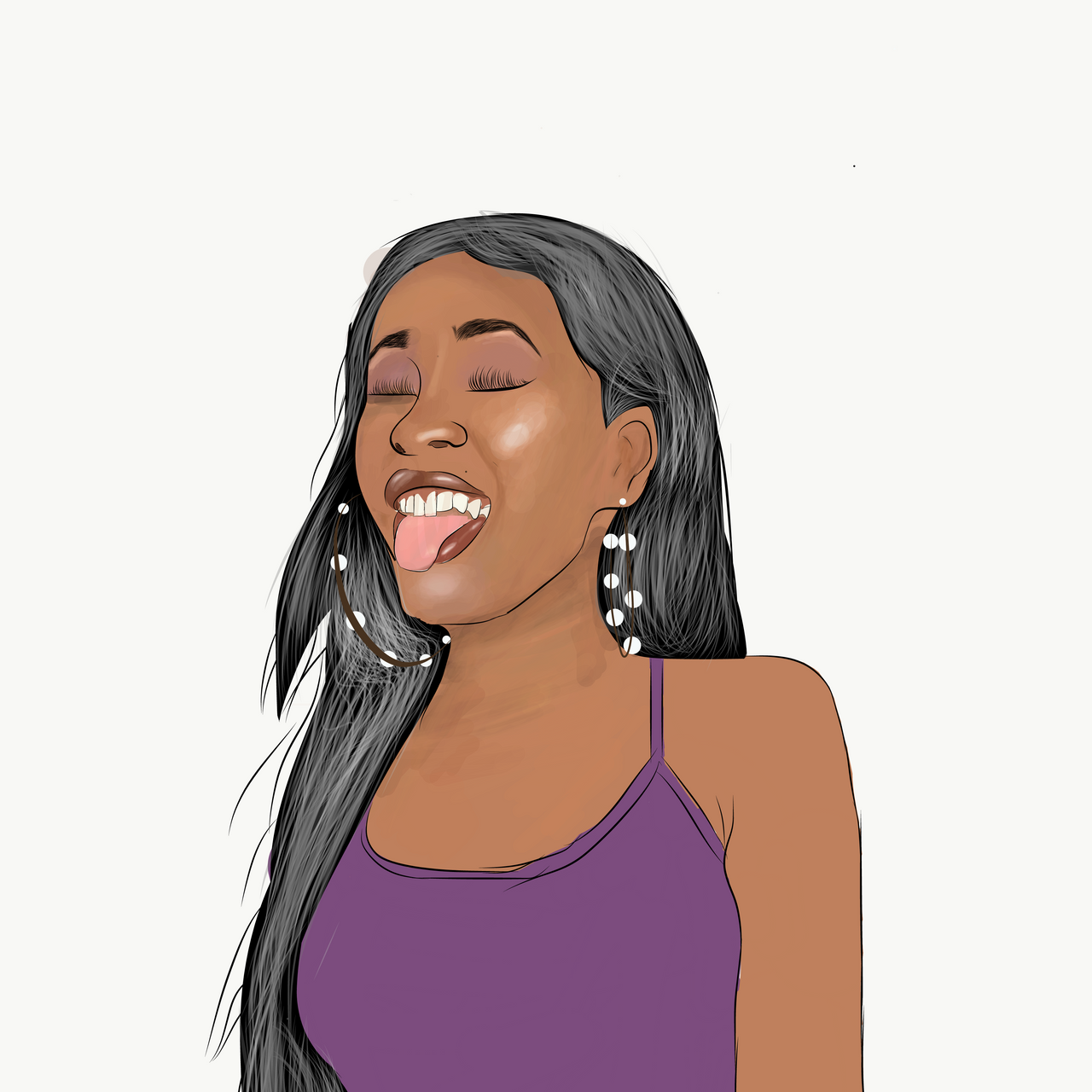
APP USED: ADOBE DRAW✍️
Steps
- Import the original picture
- Use the taper brush to sketch out the picture.(name this layer as sketching layer
NOTE!:all other layers should be below the sketching layer. - Create a new layer below the sketching layer.Name it as base colour layer.
- Tap and hold on the colour tab and move your finger close to the picture to find a neutral colour of the skin.
- Use the round brush to apply the neutral colour around the face of the sketching u have done.
NOTE!the colour should be applied on the layer below sketching layer. i.e; neutral colour layer. - Use your eraser tool to clean up all the part of colours u don't need.
- Create a new layer below,then turn of the neutral colour layer.
- On your layer, pick-up your round brush and lower the opacity to 20-19%.
- Tap and hold then move to a part of the picture u want to get the shadow colour.( There are 3 main shadows; 1.dark shadow 2.mid shadow 3.light shadow. And u can also have your highlights).
- Increase the size of your round brush to 30-25 for a faster and convinient shading.
- Then you can now shade the colours as u see them on the picture.
- When you are done shading, reduce the opacity to 15-12. Then you can now blend the shadows together by picking colours and shading the immediate areas of the colour you picked.
I HOPE YOU GOT ALL THIS INFO RIGHT. AND I HOPE YOU ALL LIKE THE ARTWORK.
Replies (5)
Great job man. This would have been an awesome entry for the hive Naija initiative last week. Great work and also include "diy" tag
Congratulations @heisamart! You have completed the following achievement on the Hive blockchain and have been rewarded with new badge(s) :
You can view your badges on your board and compare yourself to others in the Ranking
If you no longer want to receive notifications, reply to this comment with the word
STOPDo not miss the last post from @hivebuzz:
Ok ..Tanks man
Your post has been curated by the community trail. Keep on creating awesome content.
Thank you so much.