

Community post
Android: SharedPreferences to save Data
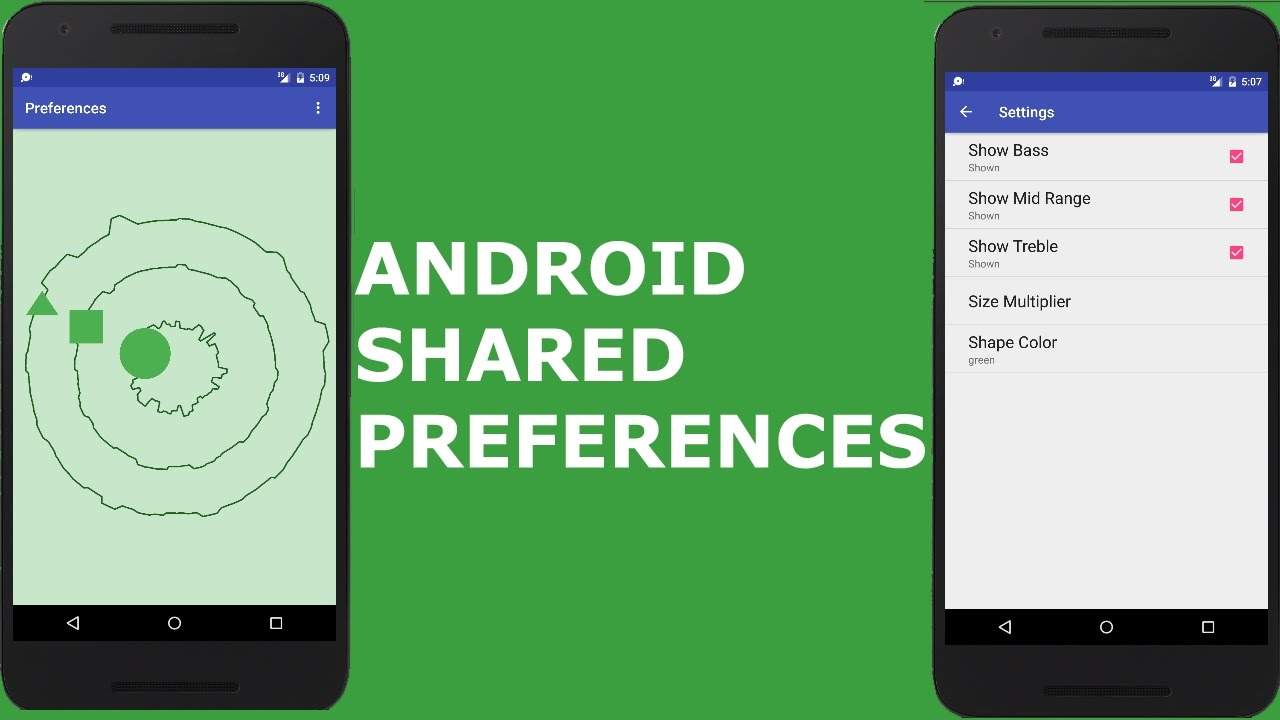
A view will automatically save its instance state if it has a unique id, but if you press back the data will still be destroyed. SharedPreferences are used to store key-value pairs for our apps. Typical uses are to save the user's name, keep track of what theme the user prefers, store a counter of how many times the user signed on, or keep track of the high score.
First, start off by declaring a constant for the file name. Then declare a constant for the key we'll require:
private static final String PREFS_FILE = "com.company.preferences"; //.preferences at the end is standard naming convention
private static final String KEY_CHECKBOX = "key_checkbox";
Second, declare SharedPreferences and an Editor field.
private SharedPreferences mSharedPreferences;
private SharedPreferences.Editor mEditor;
Third, initialize mSharedPreferences and mEditor in onCreate method.
mSharedPreferences = getSharedPreferences(PREFS_FILE, Context.MODE_PRIVATE);
mEditor = mSharedPreferences.edit();
Forth, Override onPause method. Save the value in a Boolean and apply
mEditor.putBoolean(KEY_CHECKBOX, mCheckBox.isChecked());
mEditor.apply();
Lastly, Retrieve the saved value in onCreate and set the state of the CheckBox
Boolean isCheckBoxChecked = mSharedPreferences.getBoolean(KEY_CHECKBOX, false);
mCheckBox.setChecked(isCheckBoxChecked);
Example 1: uses a checkbox
import android.view.View;
import android.os.Bundle;
public class MainActivity extends Activity {
private static final String PREFS_FILE= "com.company.preferences";
private static final String KEY_CHECKBOX= "key_checkbox";
private SharedPreferences mSharedPreferences;
private SharedPreferences.Editor mEditor;
public CheckBox mCheckBox;
@Override
protected void onCreate(Bundle savedInstanceState) {
super.onCreate(savedInstanceState);
setContentView(R.layout.activity_main);
mCheckBox = (CheckBox) findViewById(R.id.checkBox);
mSharedPreferences = getSharedPreferences(PREFS_FILE, Context.MODE_PRIVATE);
mEditor = mSharedPreferences.edit();

Boolean isCheckBoxChecked = mSharedPreferences.getBoolean(KEY_CHECKBOX, false);
mCheckBox.setChecked(isCheckBoxChecked);
}
@Override
protected void onPause(){
super.onPause();
mEditor.putBoolean(KEY_CHECKBOX, mCheckBox.isChecked());
mEditor.apply();
}
}
Example 2: uses an editText
public class MainActivity extends AppCompatActivity{
private static final String PREFS_FILE = "com.company.preferences";
private static final String KEY_EDIITTEXT = "key_edittext";
private SharedPreferences.Editor mEditor;
private SharedPreferences mSharedPreferences;
private EditText mEditText;
@Override
protected void onCreate(Bundle savedInstanceState){
    super.onCreate(savedInstanceState);
    setContentView(R.layout.activity_main);

    mEditText = (EditText) findViewById(R.id.editText);
    mSharedPreferences = getSharedPreferences(PREFS_FILE, Context.MODE_PRIVATE);
    mEditor = mSharedPrefernces.edit();

    String editTextString = mSharedPreferences.getString(KEY_EDITTEXT, ""); //pass in key and empty string for default when string isn't found
    mEditText.setText(editTextString);   //update our editText
}

@Override
protected void onPause(){
    super.onPause();

    mEditor.putString(KEY_EDITTEXT, mEditText.getText().toString());
    mEditor.apply();
}
}
To clear to default values, you can use the clear method of a sharedPreferences editor Object. Also, can use the remove() and pass in a key to remove just one value (don't forget apply() to update value).
Replies (2)
Congratulations @imjason! You have completed the following achievement on Steemit and have been rewarded with new badge(s) :
Click on the badge to view your Board of Honor.
If you no longer want to receive notifications, reply to this comment with the word
STOPTo support your work, I also upvoted your post!
Congratulations @imjason! You received a personal award!
You can view your badges on your Steem Board and compare to others on the Steem Ranking
Vote for @Steemitboard as a witness to get one more award and increased upvotes!