

Community post
Discord Link Problem!
Discord Join Link Problem?
No problem. Solution is here.
There are two types of Discord Link Problems.
- Invalid Link
- Resolving Link
Solution:
Use "VPN". After using "VPN" you will can join easily.
Here I am going to tell you why these problems are happening. Let's go.
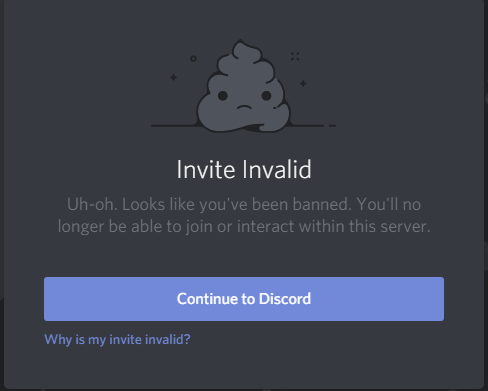
1. Invalid Link:
Why "Invalid Link"?- Your invite link may have expired. In this case, please contact the server owner and ask them for a new invite.
- You may have been banned from joining this server.
- A user cannot be a member of more than 100 servers. If you are in too many servers, you'll need to leave one before you can join.
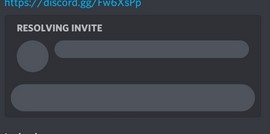
2. Resolving Link:
Why "Resolving Link"? They are likely same about "Invalid Link".
- Your IP has been blocked.
- Your invite link may have expired. In this case, please contact the server owner and ask them for a new invite.
- You may have been banned from joining this server.
- A user cannot be a member of more than 100 servers. If you are in too many servers, you'll need to leave one before you can join.
Thanks for Reading. I am Istiak Anwar.
@sayee @bdcommunity
Replies (0)
Conversation
No replies yet
Replies will appear here as people join the conversation.