

Community post
Get CyberMiles Metamask on Chrome !
CMT Metamask Plugin on Google Chrome
If you don't have Google Chrome installed: Download Here
Step 1
Download Extension from This Link
or you can download it here
both are the same file, they both are from official CMT github repo
Step 2
Type chrome://extensions on the URL bar like this:

Step 3
Drag the downloaded file: chrome.crx to chrome:

and click Add Extension
Step 4
Now you can see CMT logo on your Chrome

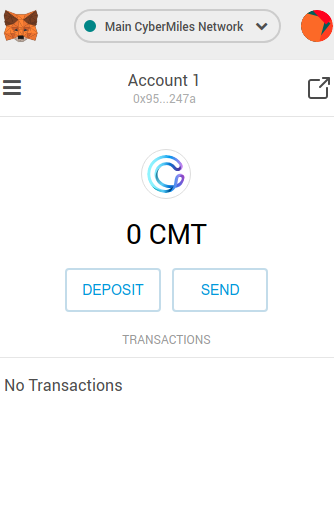
When you click on the logo:

Done !
You can import your mobile wallet to metamask by entering the 12 words passphrase by clicking Import Existing DEN.

Replies (2)
gchi!
gchi!!