

Community post
Ununifi Testnet Guide ( Delegation)
After Claiming the Ununifi faucet the next step is to interact with the platform, that way we get familiar with it.
Incase you bumped in on this post and possibly its your first time of getting to know about Ununifi feel free to check article 1 which talks about setting up and claiming the Ununifi faucet to get started
Ununifi_Keplr_wallet_&_Faucet_claim
As a custom lets take a look at the steps involved in Delegating
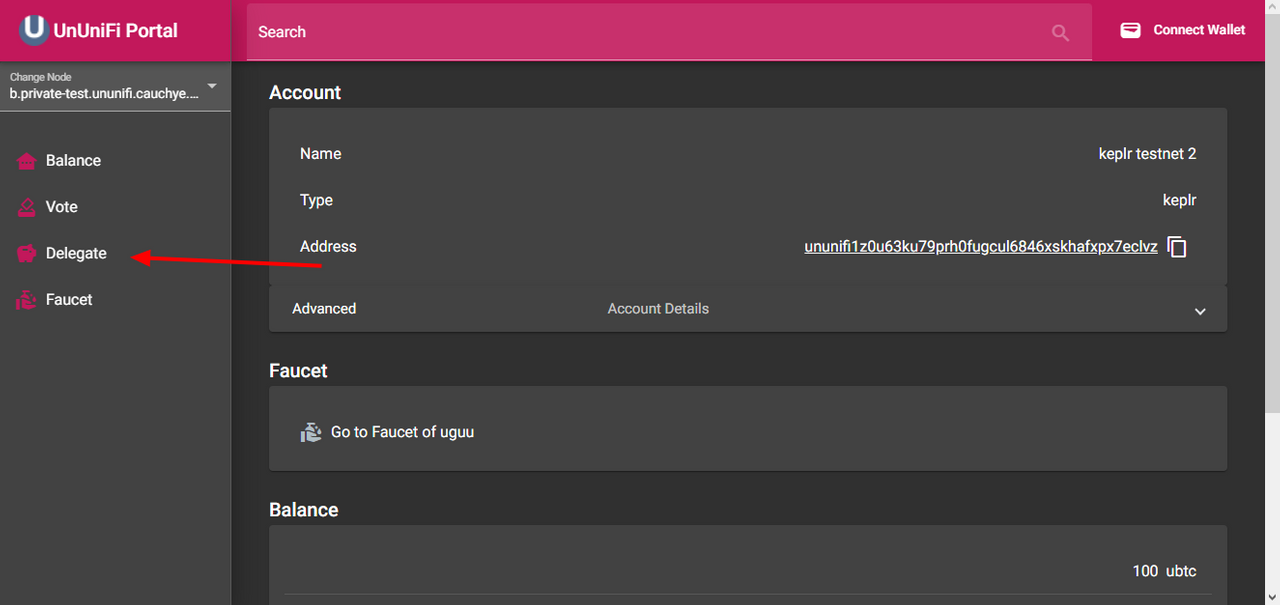
click on Delegate
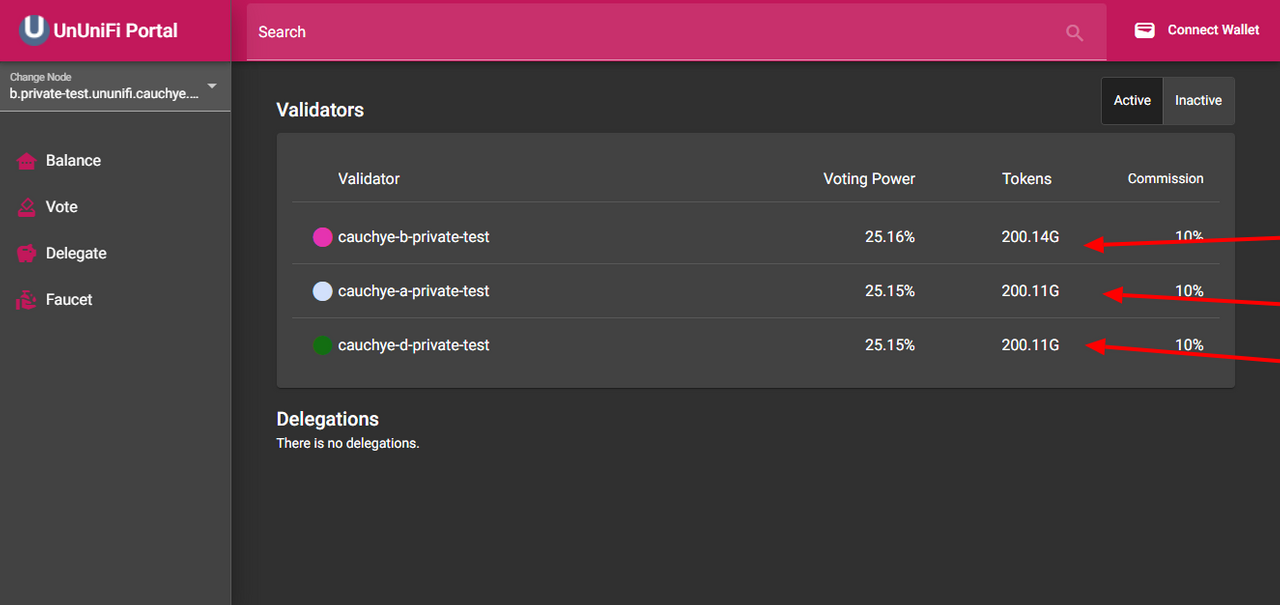
As at the time of this post there are 3 options available, feel free to choose whoever you want to delegate to.
for todays post ill go for
o- cauchye-d-private-test
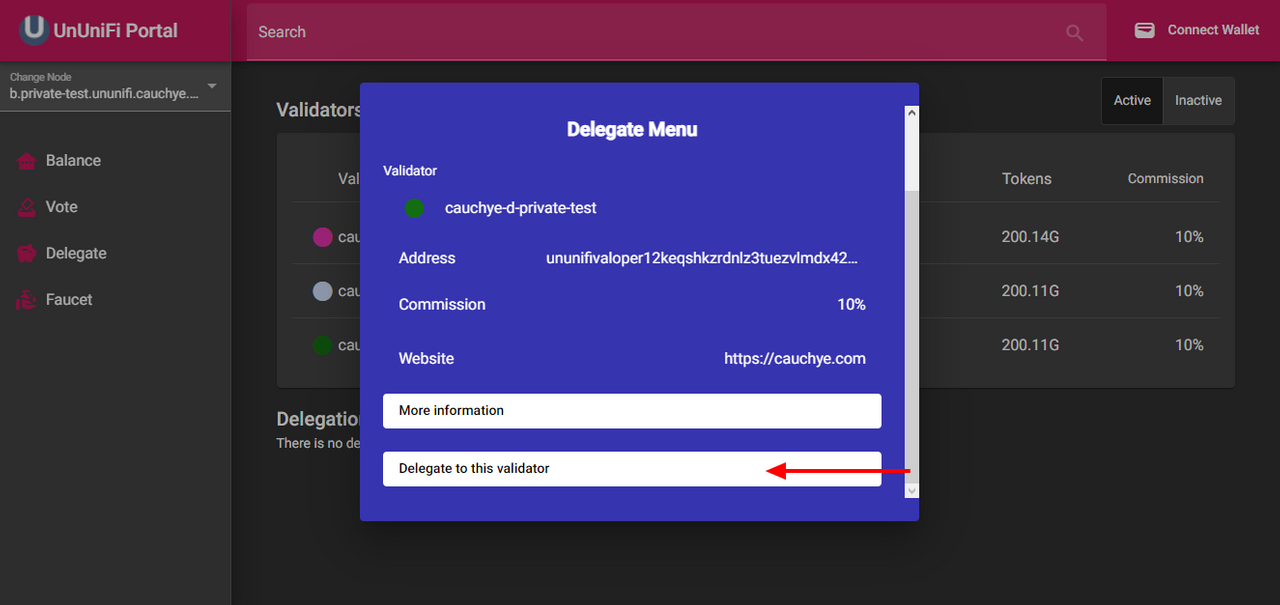
click on ** Delegate to this validator**
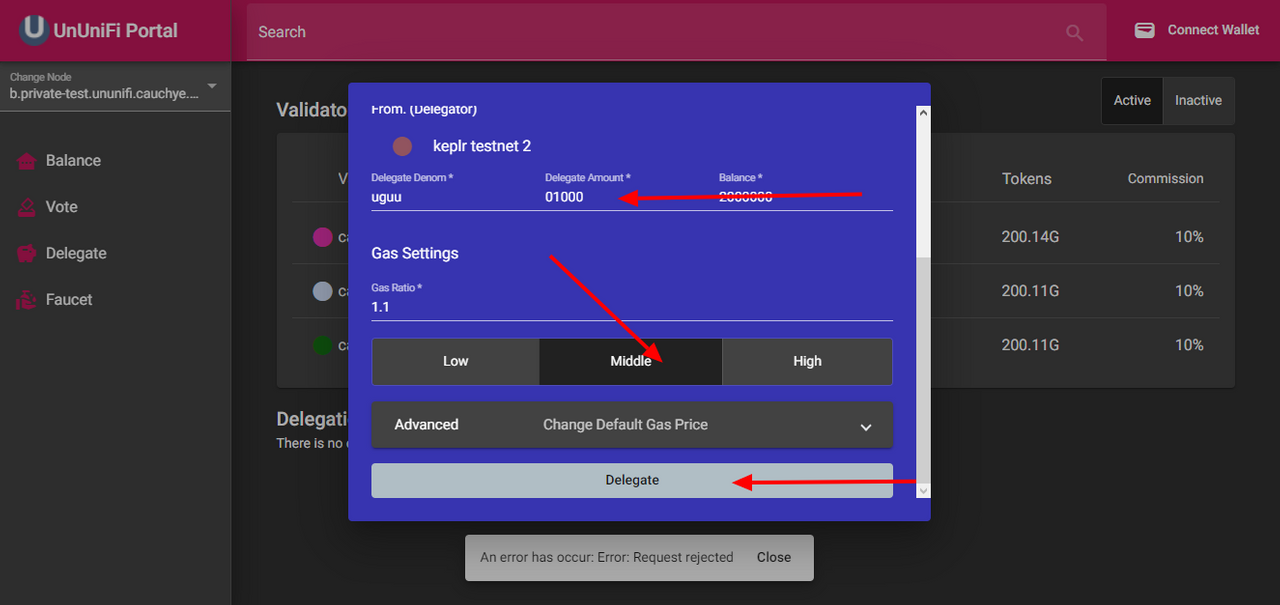
First type in the amount you want to delegate
(I delegated 1000 uguu)
select middle as your gas setting
Then Delegate
Confirm the Keplr prompt and viola you have successfully delegated.
Posted Using LeoFinance Beta
Replies (1)
Congratulations @khrispyshots! You have completed the following achievement on the Hive blockchain and have been rewarded with new badge(s):
Your next target is to reach 100 upvotes.
You can view your badges on your board and compare yourself to others in the Ranking
If you no longer want to receive notifications, reply to this comment with the word
STOPTo support your work, I also upvoted your post!
Check out the last post from @hivebuzz:
Support the HiveBuzz project. Vote for our proposal!