

Community post
Steem to Bitcoin
1- Create binance.com account and login
2- Go ( Funds -> Deposits ) menu. And type STEEM.
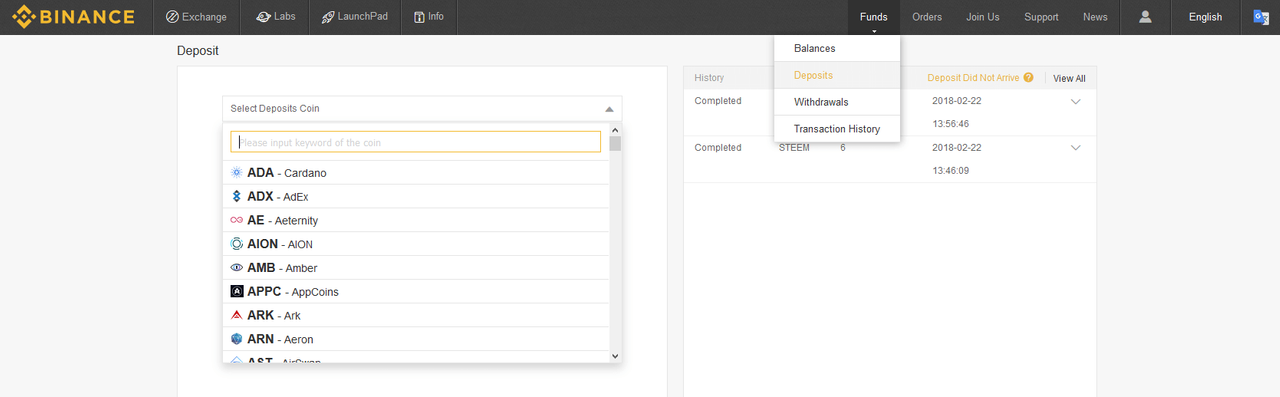
3- Click "I Understand. Continue" button and go steemit.com wallet.

"deepcrypto8" steemit account name. And "104063559" memo text.
4- Open Transfer to Account box. To : deepcrypto8, Amount : steem amount, Memo : 104063559 (from binance page)

5- Click SUBMIT button and go binance page. In after 2-3min transfer completed. U can buy bitcoin from under deposit page. STEEM>BTC link.
Replies (0)
Conversation
No replies yet
Replies will appear here as people join the conversation.