

Community post
Using a Macbook pro as a wireless sniffer
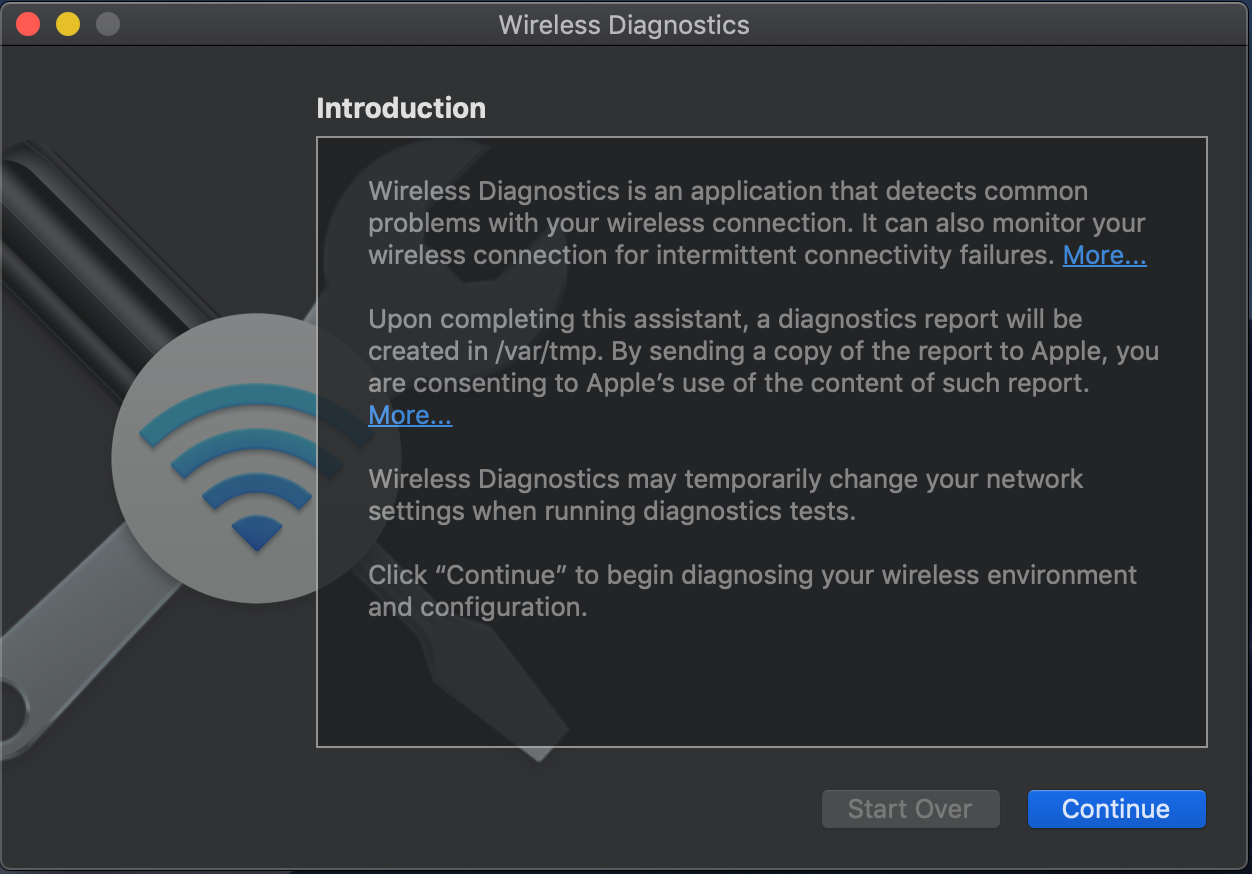
1. Run a 'Wireless Diagnostics'

2. Select a 'Sniffer' in 'Window' menu

3. Choose a channel and channel width, then click 'Start' to begin.

4. Confirm that wifi icon looks like below.

5. Run a wireshark and double click 'Wi-Fi: en0'

6. Wireshark begins to capture packets on the channel you've chosen

Replies (1)
Congratulations @netxy! You have completed the following achievement on the Steem blockchain and have been rewarded with new badge(s) :
You can view your badges on your Steem Board and compare to others on the Steem Ranking
If you no longer want to receive notifications, reply to this comment with the word
STOPTo support your work, I also upvoted your post!
Vote for @Steemitboard as a witness to get one more award and increased upvotes!