

Community post
How To Send Message TO WhatsApp Using JavaScript/Node.js-- Twilio
Hello everyone
In this post, we are going to learn how to send a message to WhatsApp using JavaScript/node.js. In this video, we will send some messages to my WhatsApp number through a small piece of code. We are going to use Twilio Node Library. This will help us connect our code to the WhatsApp. So let's begin the tutorial.
-
First of all, if you don't have the Nodejs installed please install it from the official site.
-
Now go to the Twilio website and create a free account.
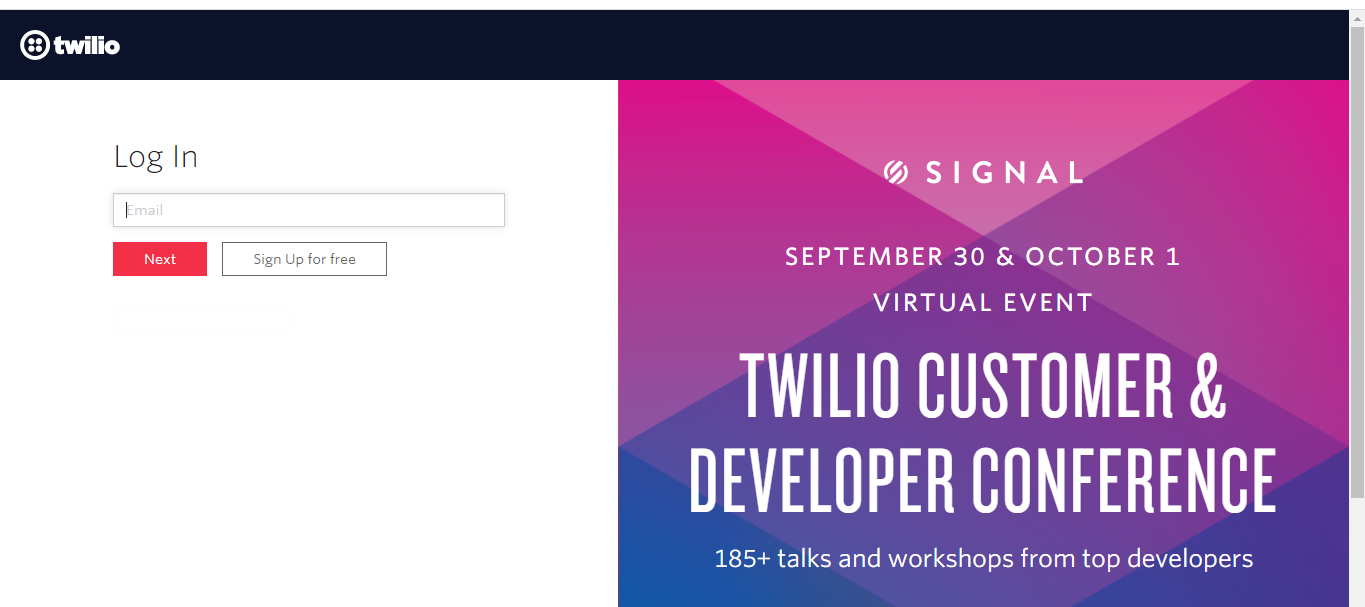
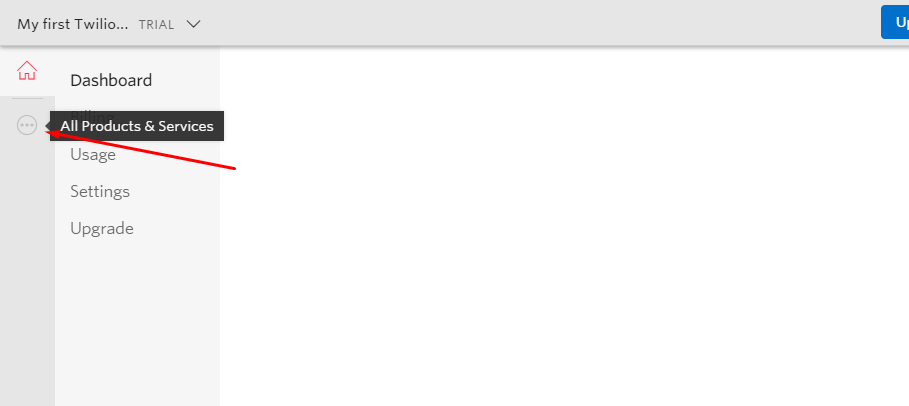
After creating the account login to your account and click on the three dots.
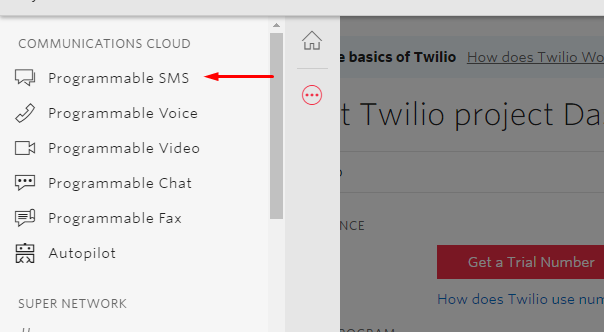
Now click on the programmable SMS .
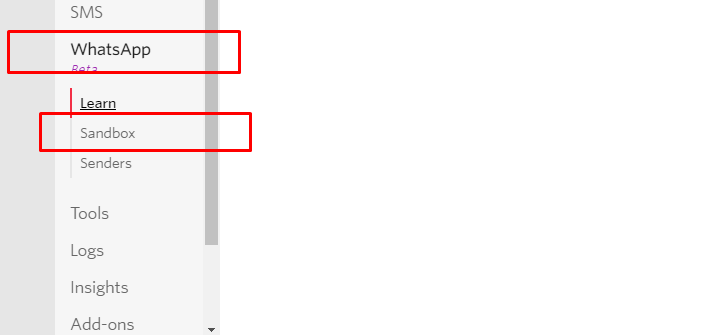
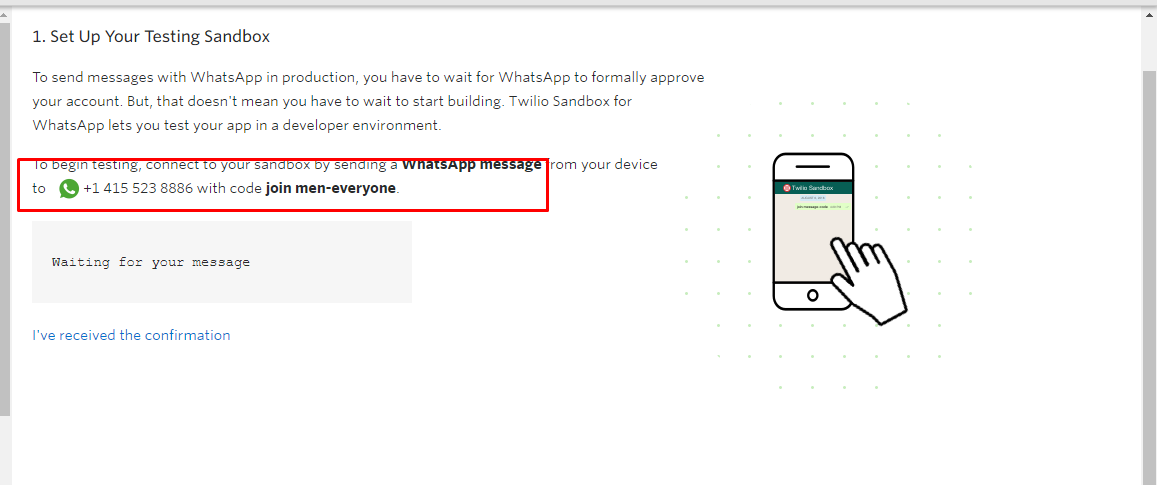
Click on the whatsapp beta and then activate the sanbox
Now send the given code to the given number in order to connect your WhatsApp number.
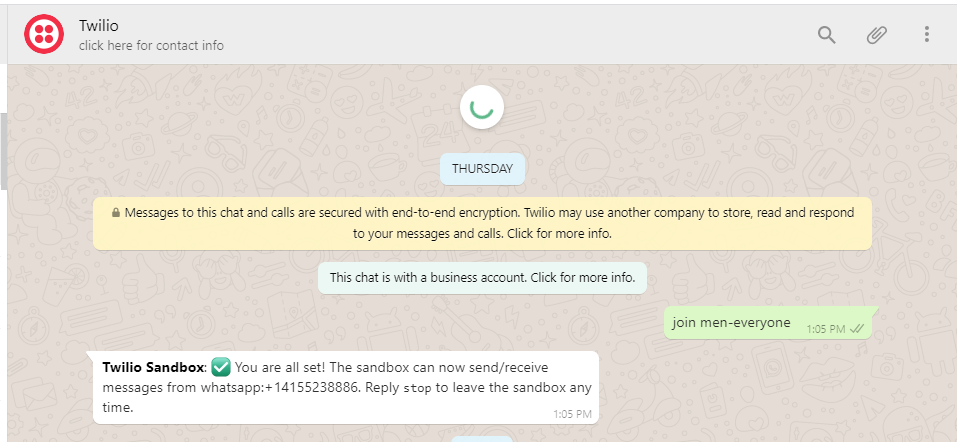
You will get a message like this after sending the code to the number.
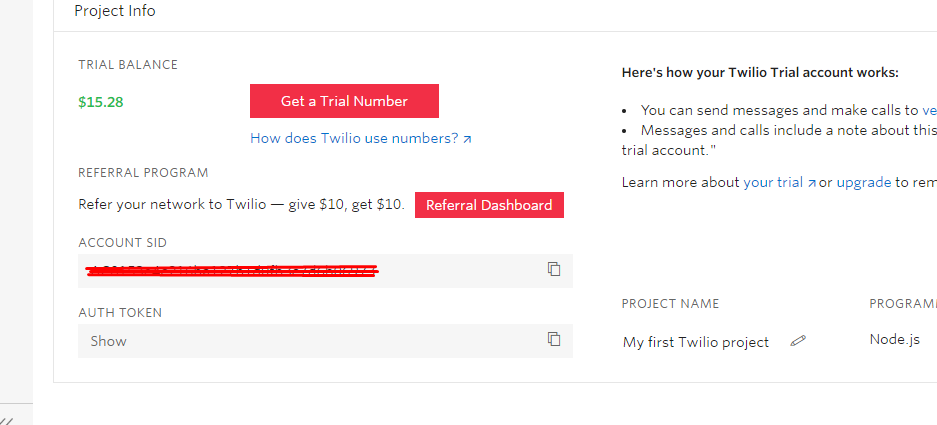
Now go back to the main page of Twilio and copy the following keys.
Open VS Code and install the Twilio library by running the following command.
npm install twilio
Wait for the installation and then copy-paste the below code to a newly .js file
const accountSid =YOUR_SID;
const authToken = YOUR_KEY;
const client = require('twilio')(accountSid, authToken);


 client.messages
      .create({
         from: 'whatsapp:+14155238886',
         body: 'Hello from nodejs',
         to: RECIVER-NUMBER
       })
      .then(message => console.log(message.sid));
Assign the keys to the variables.
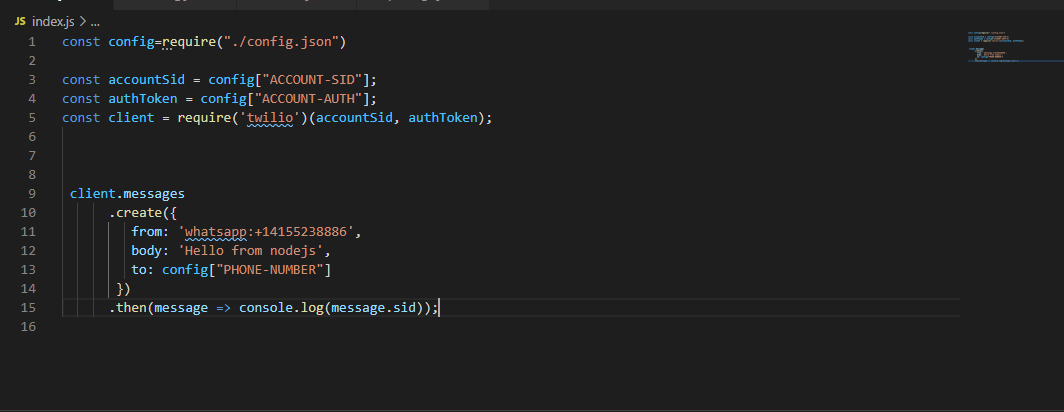
In my case, I have created a JSON file and everything ting is in the JSON. Just for privacy purpose you can just assign them to the variables.
Let's run the script now
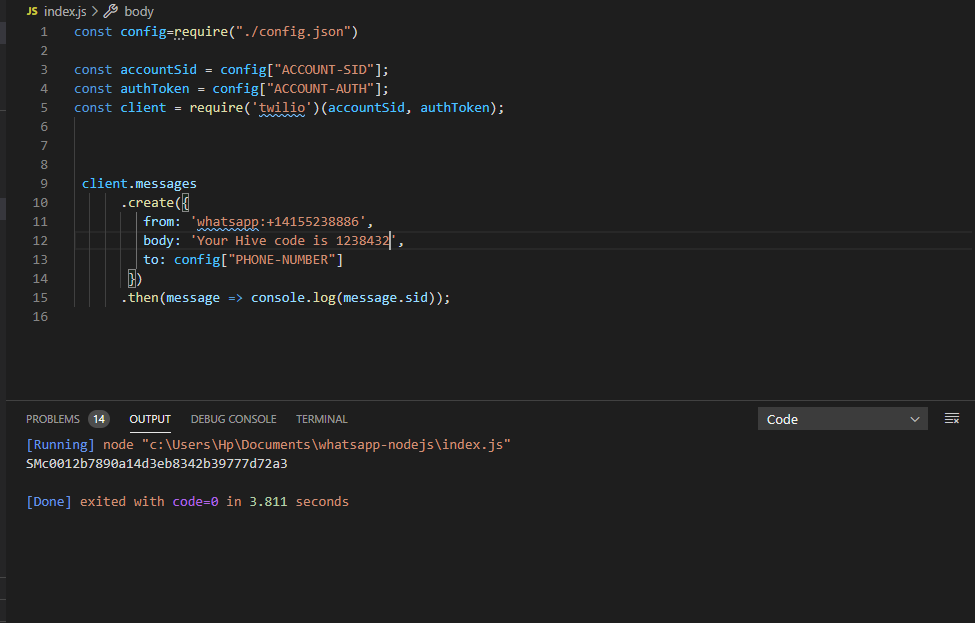
If your message is sent successfully you should get output like this
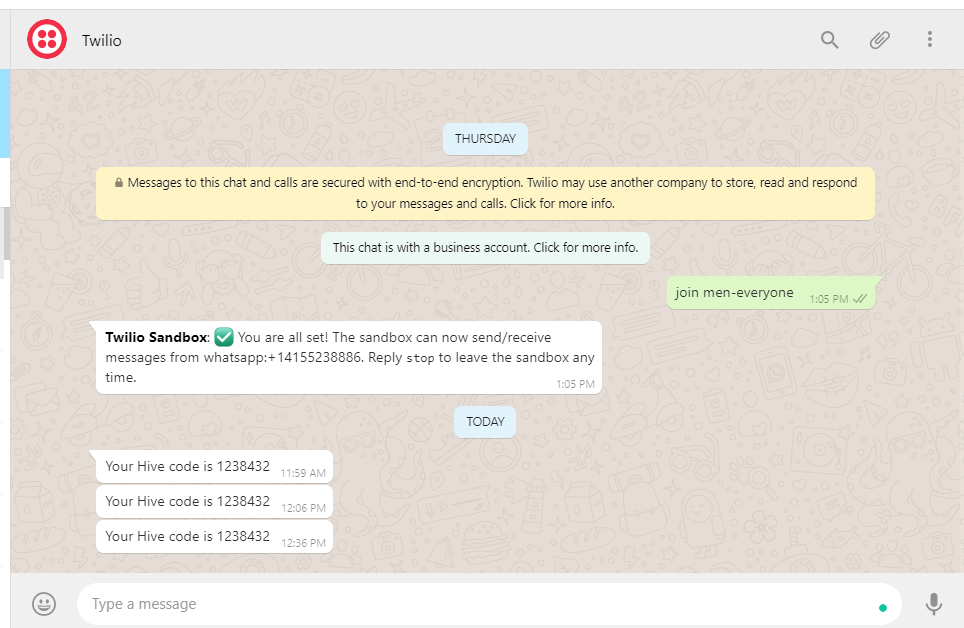
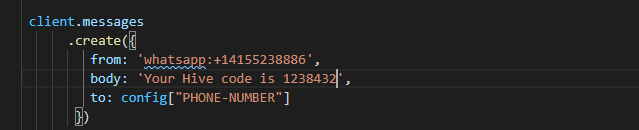
As you can see the messages are successfully sent. If you want to change the message just change the text in body and rerun the code.
Replies (2)
Another good tutorial. @pakgamer you efforts for sharing knowledge by making amazing tutorial are laudable. We are looking for people like you in our community.
Your post has been curated with @gitplait community account because this is the kind of publications we like to see in our community.
Join our Community on Hive and Chat with us on Discord.
Congratulations @pakgamer! You have completed the following achievement on the Hive blockchain and have been rewarded with new badge(s) :
You can view your badges on your board And compare to others on the Ranking
If you no longer want to receive notifications, reply to this comment with the word
STOPSupport the HiveBuzz project. Vote for our proposal!