

Community post
Steps in converting Steem To SBD using blocktrades
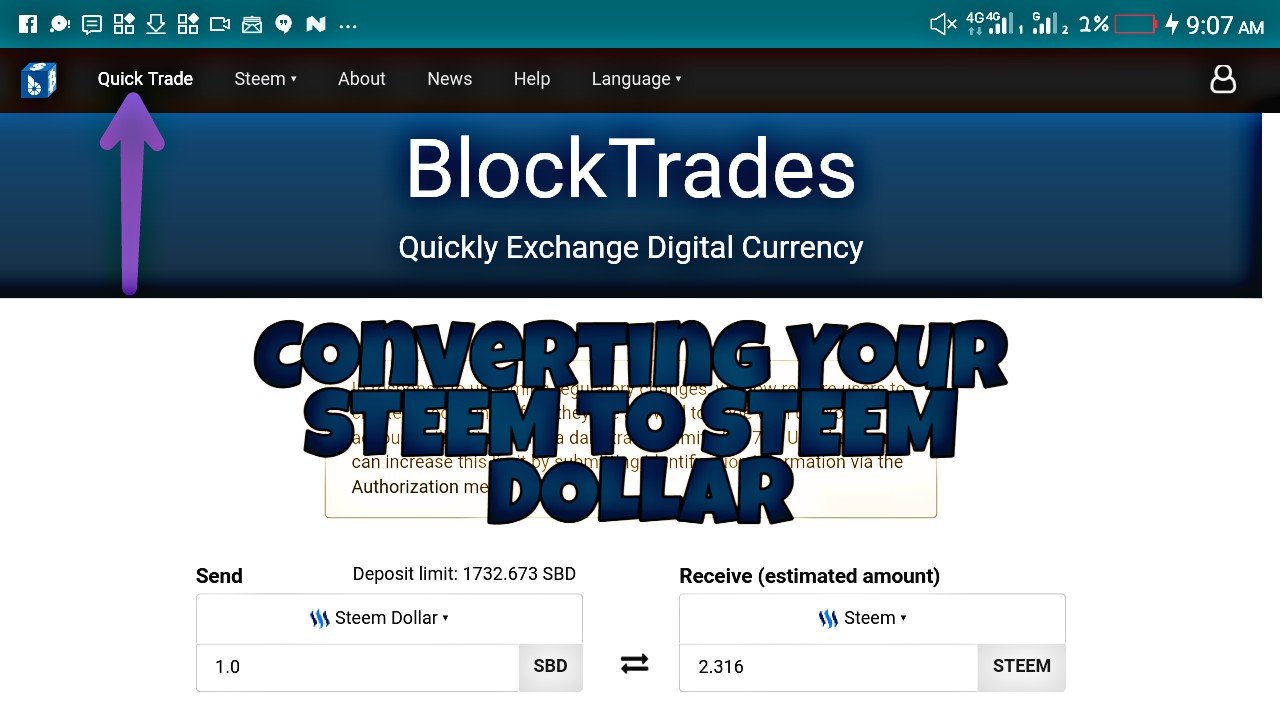
Hello everyone on today's episode I will be talking on how to convert your steem to Steem Dollar using blocktrades.
Here are previous tutorials about blocktrades in which you may pick interest in:-
- On our first tutorial video will briefly enlighten us what blocktrades is and how to sign-up on blocktrade. what Is blocktrades and how to sign-up
In previous days you do not have to signup to be able to make use of blocktrade but recently it is compulsory to have an account before you can make use of blocktrades.
For Steemit users blocktrade is more that just an account on Steemit, blocktrade is a registered company that provides marketers service amongst various cryptocurrencies. it provides a platform to interact with various major cryptocurrencies.
steps to signup
-
Visit blocktrades.us
-
click on signup
-
Input your mail and set a password
-
visit your mailbox to verify your signup.
-
On the second tutorial we highlighted the features on blocktrades
features on blocktrades
we looked into
How to sign in
What quick trade is used for
The use of steem
The use of about
The use of news
The use of help
and the use of language
- On the 3rd episode we talked about how to convert Your Steem dollar [sbd] to steem converting sbd to steem
Converting steem to steem dollar
- Fitst step is to sign in
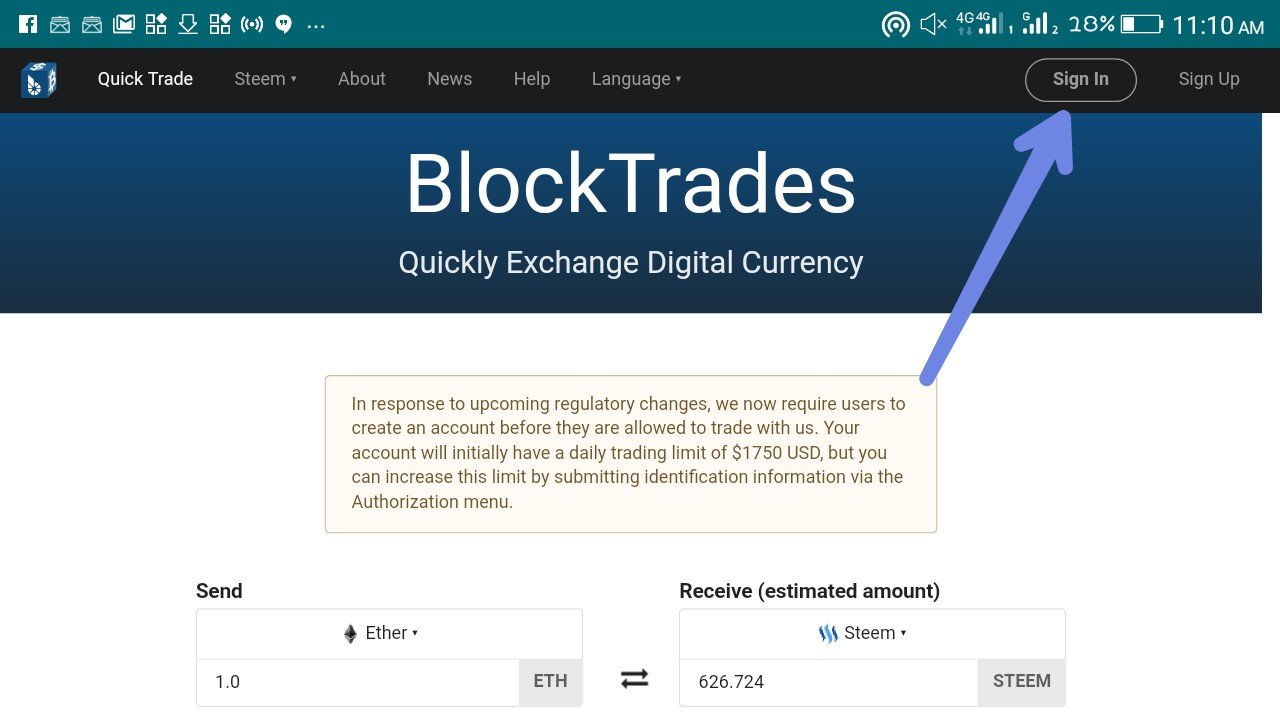
You will not be able to make use of the services of blocktrades if you do not have an account with them. On previous article we throw light on how to setup an account.
-
After clicking on the sign in, submit your details.

-
confirm if you are logged in

If you are logged in successfully you will see that icon at the right hand of youf desktop
- Using the quick trade tool

You click on send, then choose steem dollar because that is what we will be trading. Also input the amount you will be trading, in out case it is 1
- click on recieve

choose the currency you will be trading your steem dollar for, in this tutorial we will be highlighting on converting to steem , and as such we would pick steem
-
In put the receivers address and click on get deposit

-
In put the wallet address you are sending from

In our case it is a steemit wallet and we will be making use of steemconnect.
- You will be redirected to steemconnect

which you will confirm the transaction and login, then yoh will get a success message
- Then you visit steemit wallet to confirm that your transaction was a success

Thank you for stopping by, stay tuned for more tutorial and updates about blocktrades.us
Replies (0)
Conversation
No replies yet
Replies will appear here as people join the conversation.