

Community post
Making Simple Object Using Illustrator
Making simple object using Illustrator. One of my favorite hobby is to draw an object, it's really fun to use the illustrator especially with its new version that is simple and more advanced, have different options available for doing the objects and images you want to do.
I was trying to make an object using Illustrator to enhance more of my skills when it comes in drawing.
FIGURE #1

First, i'm trying to make a basic. I just get a perfect circle as my first step.
FIGURE #2
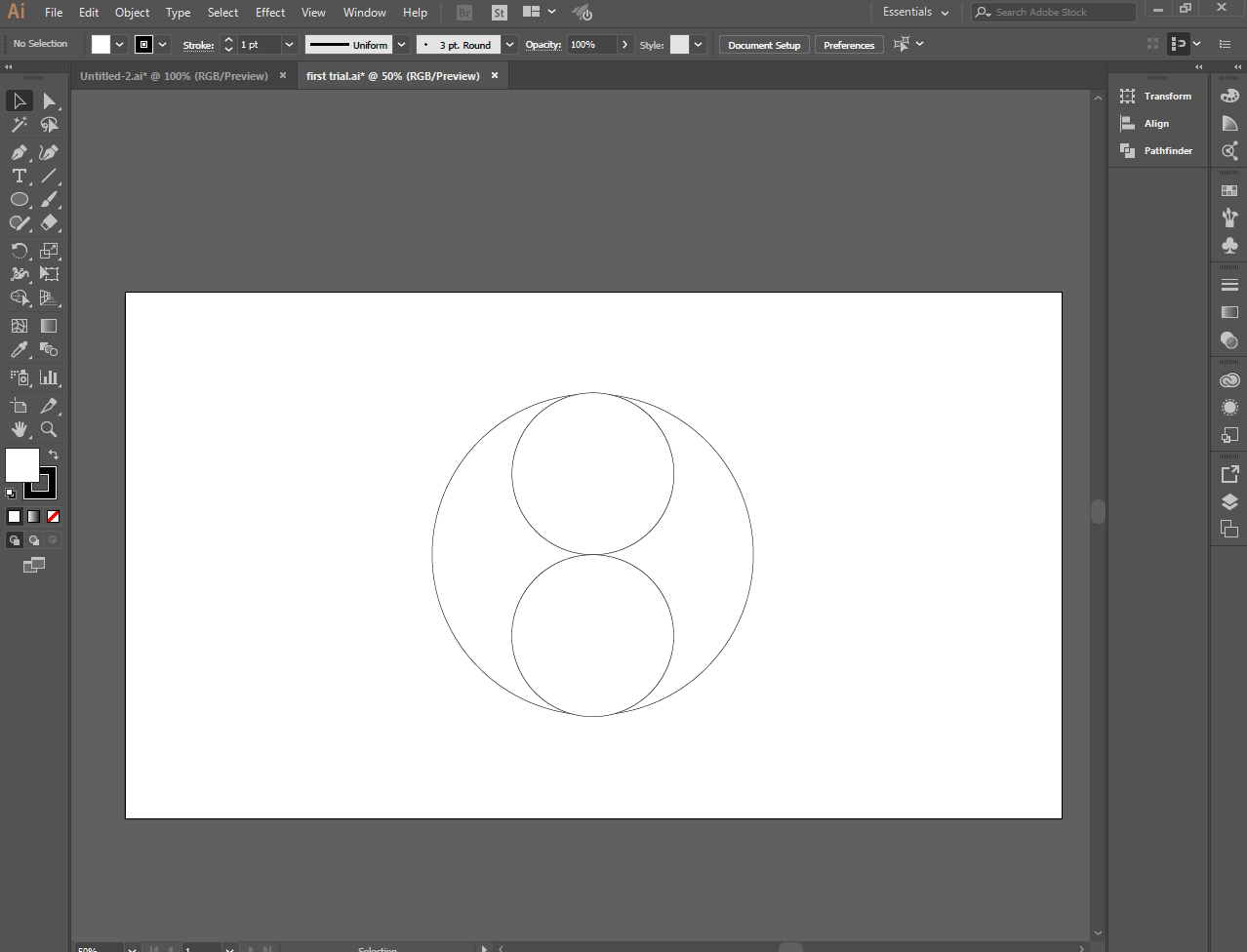
Place two small circle inside a large circle using the shape tool.
FIGURE #3

using shape tool, put some circle inside the small one.
FIGURE #4

And drag it to the another one
FIGURE #5

FIGURE #6

FIGURE #7

FIGURE #8

Combine and creat shapes by selecting path and merge it using the shape builder tool.
FIGURE #9

I'm going to add some colors on it.
FIGURE #10

I added the black color first.
FIGURE #11

Then the small holes of Yin Yang i put the color black and white as opposite of their colors.
FIGURE #12

I try to make color red on the white part and this is what i made.
FIGURE #13

To use Illustrator is not easy but it's really amazing! I love to learn things a lot specially a new one so i decided to practice more and watching some videos of illustrator for more developement of my works. Thank you for dropping by to read and review my works!
This is the link of the video that i used to watch as my guide for my works.
video source
Replies (0)
Conversation
No replies yet
Replies will appear here as people join the conversation.