

Community post
Insert Character in CorelDRAW X7 for beginners
Today I want to share tutorial how to Insert Character in CorelDRAW X7 for beginner.
- Open the CorelDRAW x7 application and create a new work page.
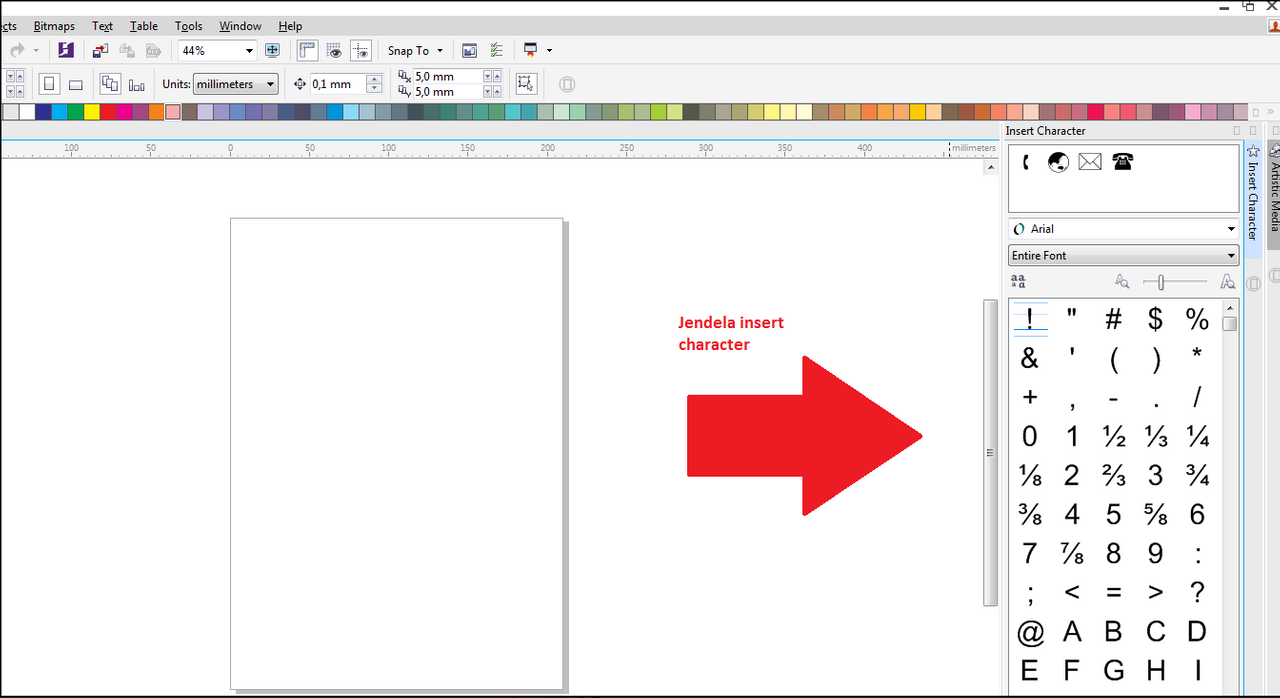
- Click Text - Insert Character menu

Now look at the right side of the coreldraw work page
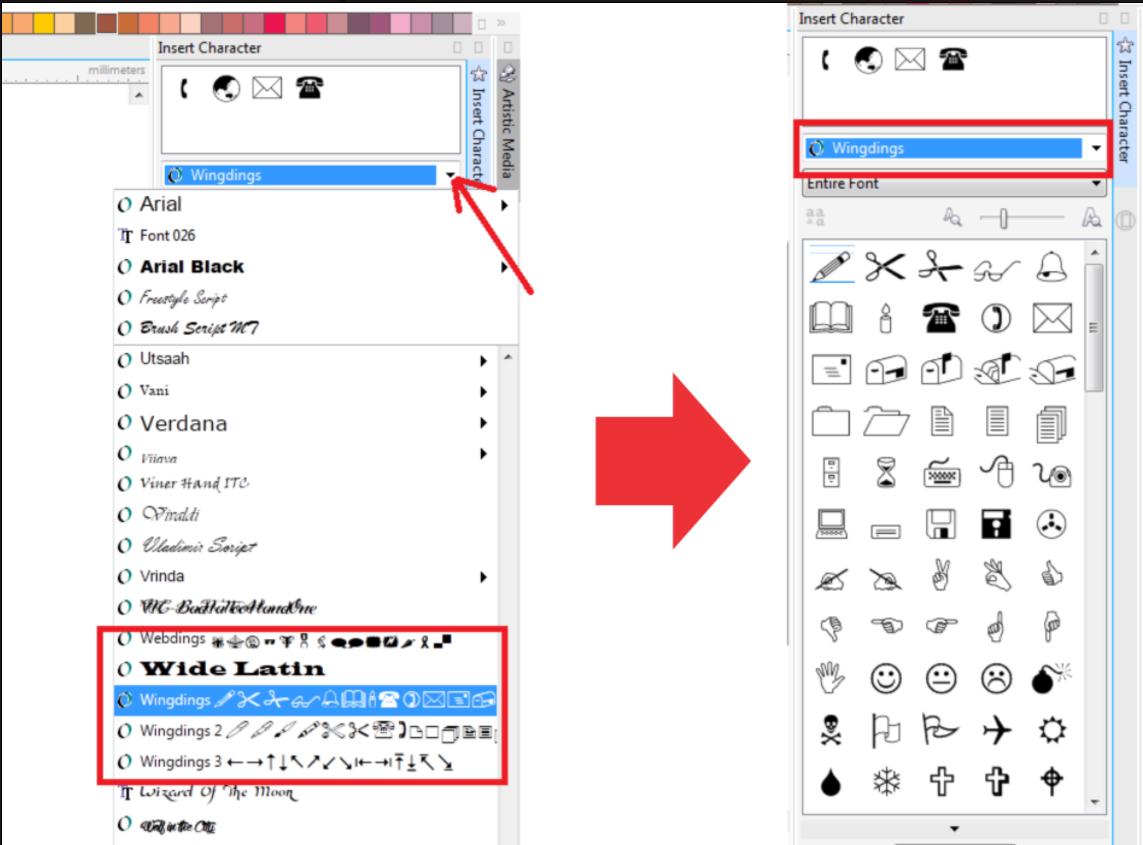
- In the insert character window, choose Wingdings
Select one of the characters you want to use, click hold and drag to your work page.
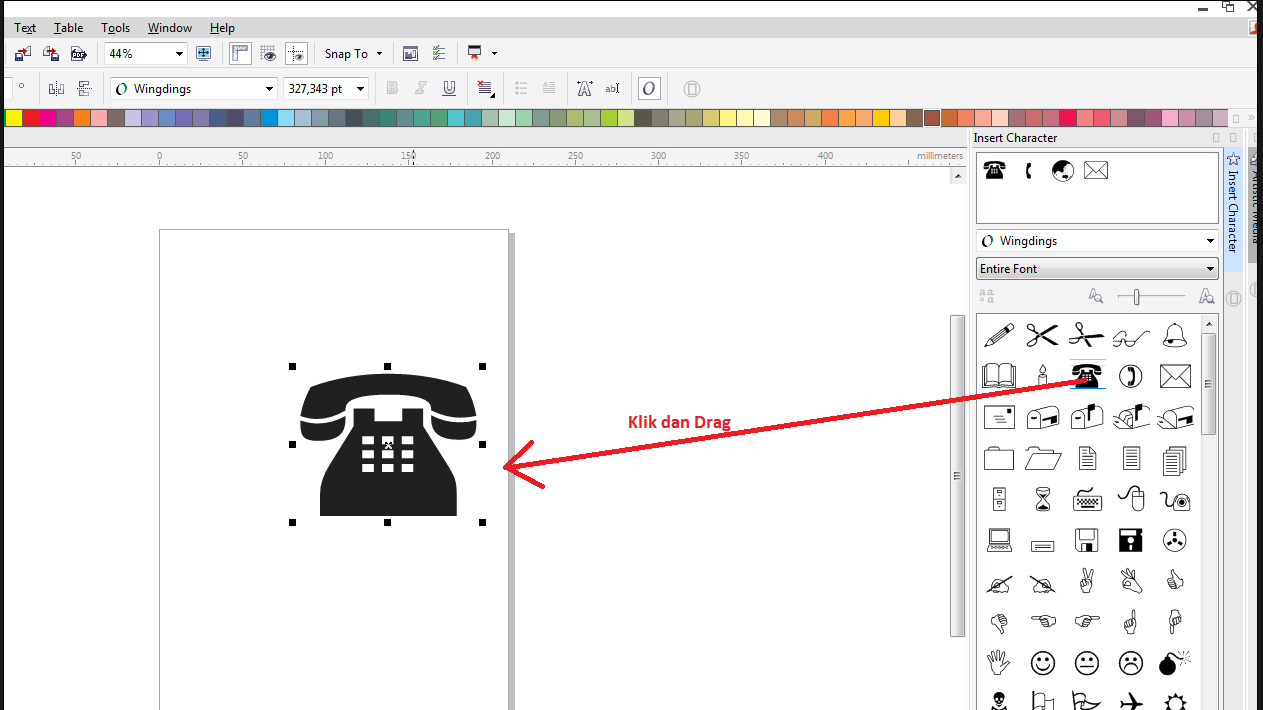
Oya ... this character is vector type, so you are free to manipulate it ... good luck
Please upvote and follow me at @zuljantho
Replies (0)
Conversation
No replies yet
Replies will appear here as people join the conversation.